The Real Cost of Building an AI Training Rig in 2026

Marcus Webb
March 7, 2026
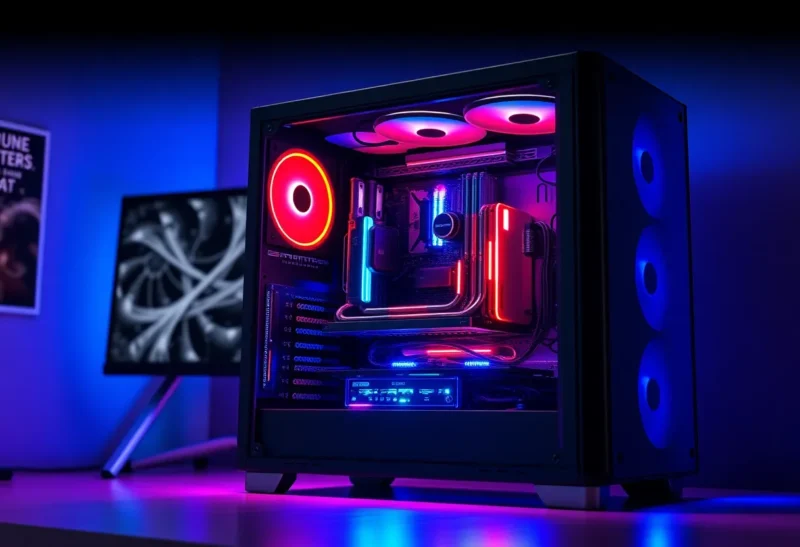
Building a machine for AI training used to mean buying whatever GPU you could afford and hoping for the best. In 2026, the calculus is different. GPUs are more powerful, but so are the models. The gap between “run a small fine-tune” and “train something competitive” has widened, and the cost reflects it.
If you’re curious what it actually takes to build an AI training rig—not a gaming PC that can run local LLMs, but something you’d use to train or fine-tune models seriously—here’s what the numbers look like and what you’re really paying for.
The GPU: The Dominant Cost
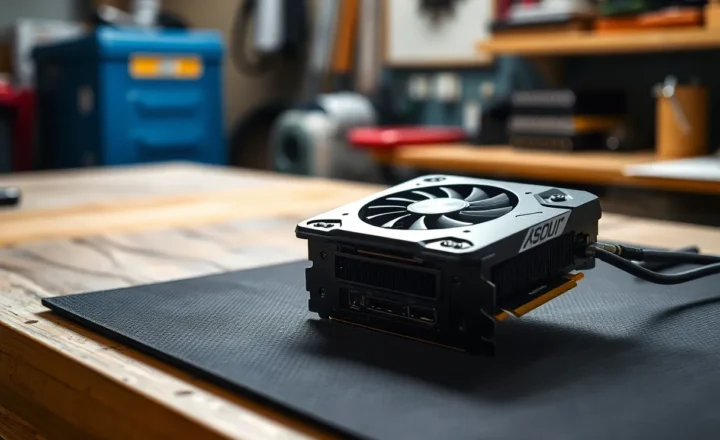
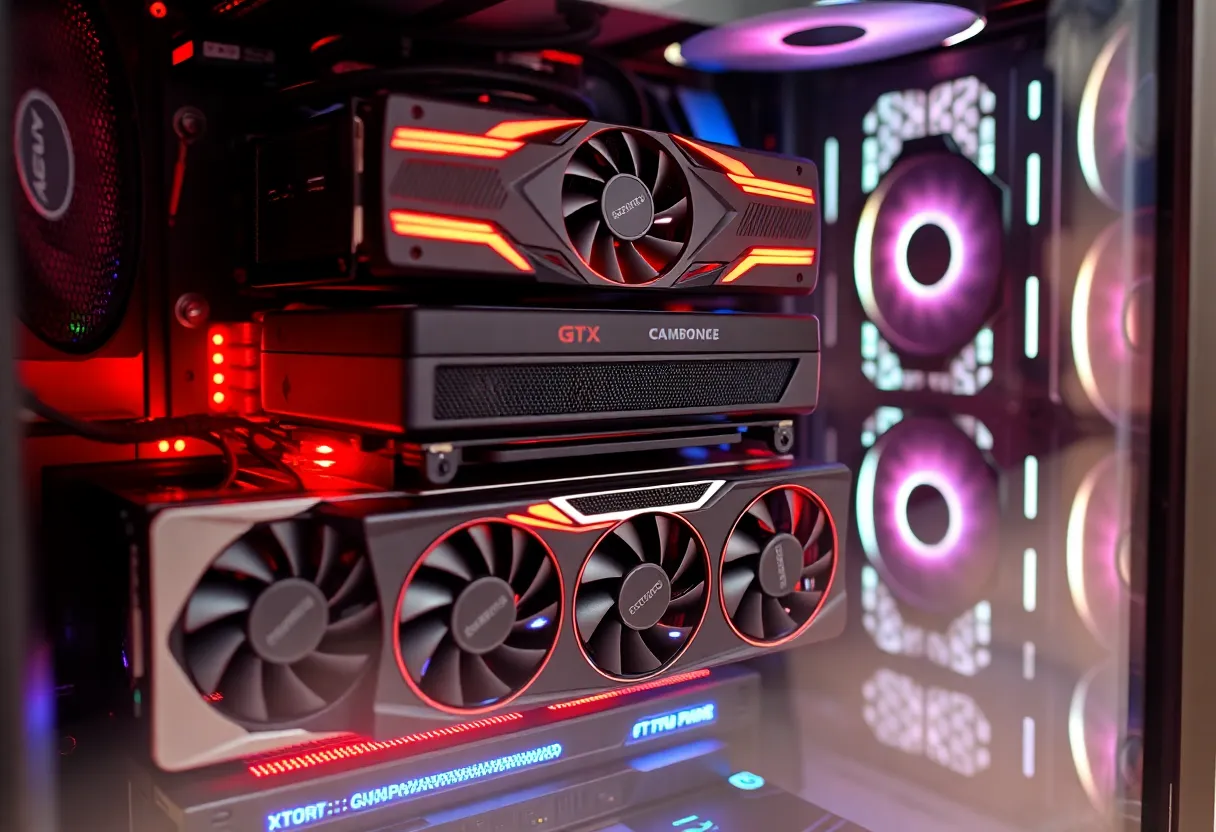
The GPU dominates the budget. For AI training, you want high memory capacity and high memory bandwidth. Consumer cards like the RTX 4090 offer 24GB—enough for small models and fine-tuning, but tight for larger runs. The RTX 5090, when it lands, may push that higher, but you’ll pay a premium.
Professional and data-center GPUs—NVIDIA’s H100, A100, or the newer Blackwell parts—offer 40GB to 80GB or more, with much higher memory bandwidth. They also cost several thousand dollars apiece. For most indie developers and researchers, that’s out of reach. The practical choice is often a high-end consumer card or two, or cloud.
Multi-GPU setups add complexity. You need a motherboard with enough PCIe lanes, a power supply that can handle the load, and cooling that won’t throttle under sustained training runs. Two RTX 4090s can theoretically pool memory with certain frameworks, but scaling isn’t linear and the cost doubles.
The Rest of the Build
Once you’ve chosen a GPU, the rest is secondary but not trivial. CPU: you need enough to feed the GPU and handle data loading. A mid-range Ryzen or Intel chip is usually enough; spending more rarely speeds up training. RAM: 64GB is a reasonable target for most workloads; 128GB if you’re handling large datasets. Storage: NVMe for datasets and checkpoints; capacity matters more than raw speed for most training jobs.
Power supply: a high-end GPU can pull 350W or more under load. Two GPUs plus CPU and system means 1000W+ is realistic. Don’t cheap out—a failing PSU can take your hardware with it. Cooling: GPUs under training load run hot for hours. Good case airflow and quality thermal paste matter. Liquid cooling is optional but can help with sustained runs.
Total Cost: Ballpark
As of 2026, a single-GPU rig built around an RTX 4090 or equivalent: roughly $3,000–$4,500 depending on configuration. That includes GPU ($1,500–$2,000), CPU ($200–$400), motherboard ($150–$300), RAM ($150–$300), storage ($100–$200), PSU ($150–$250), case and cooling ($100–$200).
Add a second GPU and you’re looking at $5,500–$7,000 or more. Professional GPUs push that into five figures. Cloud alternatives—renting A100 or H100 instances by the hour—can make sense for sporadic training; you pay only when you run. But for ongoing experimentation, the break-even can tilt toward owning.
Cloud vs. Own Hardware
Cloud GPUs are priced per hour. An A100 instance might run $2–4/hour depending on provider and region. Train for 100 hours and you’ve spent $200–400. Train for 500 hours and you’ve spent $1,000–2,000. At some point, owning pays off—if you’re training regularly and can keep the machine busy.
The trade-off is flexibility. Cloud: no upfront cost, scale up when needed, pay only for use. Own: fixed cost, no per-hour fees, but you’re stuck with the hardware you bought. If you’re experimenting and not sure how much you’ll train, cloud is safer. If you know you’ll run long jobs repeatedly, owning can pencil out.
Software and Frameworks
Hardware is half the story. You’ll also need software. PyTorch and TensorFlow run on consumer and pro GPUs; most fine-tuning and training tutorials assume one or the other. CUDA support is essential—NVIDIA’s toolkit is the de facto standard. ROCm exists for AMD GPUs but has less ecosystem support.
Frameworks like Hugging Face Transformers, LoRA, and QLoRA make fine-tuning practical on smaller rigs. You can fine-tune a 7B model on a 24GB card with the right setup. Training from scratch is another matter—that’s where multi-GPU and pro hardware earn their keep.
Power and Cooling Reality
An AI training rig draws serious power. Two RTX 4090s plus CPU and system can pull 1,000W or more under load. That’s not just a big PSU—it’s heat. Your room will warm up. Cooling has to keep up for hours of sustained load. Many builders underestimate both power draw and thermal output until the first long training run.
When Building Your Own Makes Sense
Ownership pays off if you train regularly—multiple times a week, or long jobs that run overnight. The break-even point depends on cloud pricing and your usage, but for sustained training, owning often wins within 6–12 months. You also get unfettered access: no queue times, no instance limits, no surprise bills when a job runs longer than expected.
Cloud wins if you train sporadically—a few fine-tunes a month, or experimental runs you’re not sure you’ll repeat. You pay only when you run, and you can spin up H100s for a weekend without committing to hardware. For many indie devs and researchers, that flexibility is worth the per-hour cost.
Bottom Line
Building an AI training rig in 2026 means spending real money—$3,000–$7,000+ for a serious single- or dual-GPU setup. The GPU dominates the cost, and the gap between “run local LLMs” and “train models” is wide. Cloud remains a viable alternative for sporadic use; ownership makes sense for sustained training. Know your workload before you buy.