What Haptic Feedback Gets Wrong About Touch Interfaces

Priya Sharma
March 7, 2026
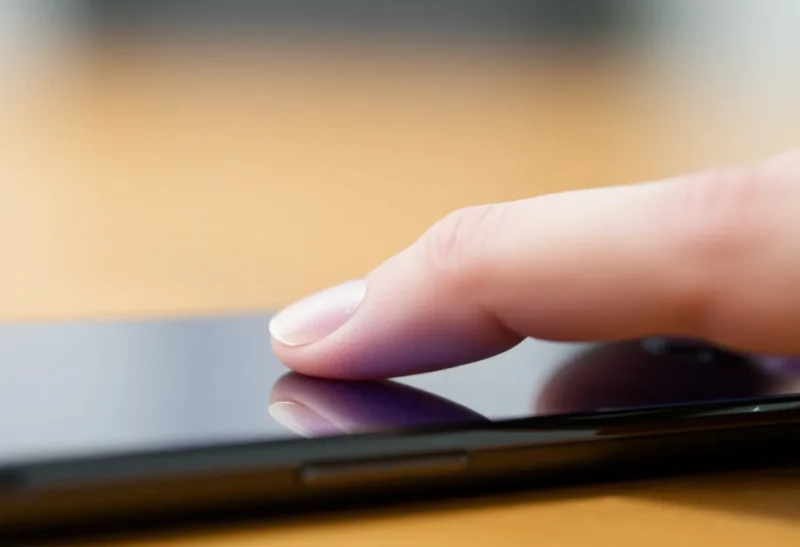
Haptic feedback was supposed to bridge the gap between physical buttons and touchscreens. A little vibration when you tap—so you “feel” the press. Apple’s Taptic Engine, Android’s rumble motors, gaming controllers that pulse with explosions. The idea is elegant: give touch interfaces the tactile confirmation that physical buttons have. But in practice, haptics often miss the mark. They distract more than they confirm, and they fail to solve the real problems that touch interfaces create.
Here’s the uncomfortable truth: most haptic feedback is tuned for novelty, not usability. Designers add vibration because they can, not because it helps. The result is interfaces that buzz and thump at every interaction, leaving users exhausted or—worse—numbing them to feedback that actually matters. Meanwhile, the fundamental problems of touch—no physical affordances, fat-finger errors, lack of spatial memory—remain unsolved.
The Promise vs. the Reality
Physical buttons work because they give you three kinds of feedback: visual (you see the press), auditory (you hear a click), and tactile (you feel the movement and resistance). Touchscreens offer only visual feedback by default. Haptics were meant to add the tactile piece—a simulated “click” that tells your brain you’ve registered an input. In theory, that should improve accuracy and satisfaction.
In practice, haptic design is all over the map. Some apps buzz on every tap. Others reserve haptics for “important” actions. Many users turn vibrations off entirely because they’re annoying, inconsistent, or drain battery. The research on haptic usability is mixed: some studies show benefits for typing accuracy and perceived responsiveness; others find no effect or negative effects when haptics are poorly tuned. The problem isn’t haptics themselves—it’s that we’re using them wrong.

Too Much, Too Little, or Wrong
Bad haptic design falls into three buckets. First: overuse. When every tap triggers a vibration, the signal gets lost in noise. Users habituate. The feedback that was meant to confirm becomes background irritation. Second: inconsistency. When some buttons buzz and others don’t, users don’t learn a reliable mental model. The haptics add cognitive load instead of reducing it. Third: wrong metaphor. A heavy rumble for a subtle checkbox feels wrong. A light tick for a destructive “delete” action undersells the gravity. Haptics need to match the semantics of the interaction—and most don’t.
Apple gets credit for doing it better. The Taptic Engine’s sharp, precise ticks feel different from generic Android rumble. But even Apple overuses it. Scroll pickers, toggles, long-press confirmations—the iPhone buzzes constantly. For some users, it’s reassuring. For others, it’s exhausting. There’s no one-size-fits-all, and the industry hasn’t figured out how to let users tune haptic intensity without burying the setting in accessibility menus.
The Problems Haptics Don’t Solve
Even perfect haptics wouldn’t fix the core issues with touch interfaces. Physical buttons have affordances: you can feel the edges, the travel, the difference between a button and a slider. Touchscreens are flat. Everything feels the same until you tap. Haptics add a moment of feedback after the fact—they don’t help you find the target or avoid mis-taps. Spatial memory—remembering where things are by feel—doesn’t work when the surface is uniform.
Fat-finger errors, tiny tap targets, and accidental touches are layout and design problems. Haptics can’t fix them. A vibration when you miss doesn’t help you hit next time. What would help: larger touch targets, clearer visual hierarchy, and interfaces that don’t assume everyone has the same finger size and motor control. Haptics are a band-aid on problems that need structural fixes.
When Haptics Actually Help
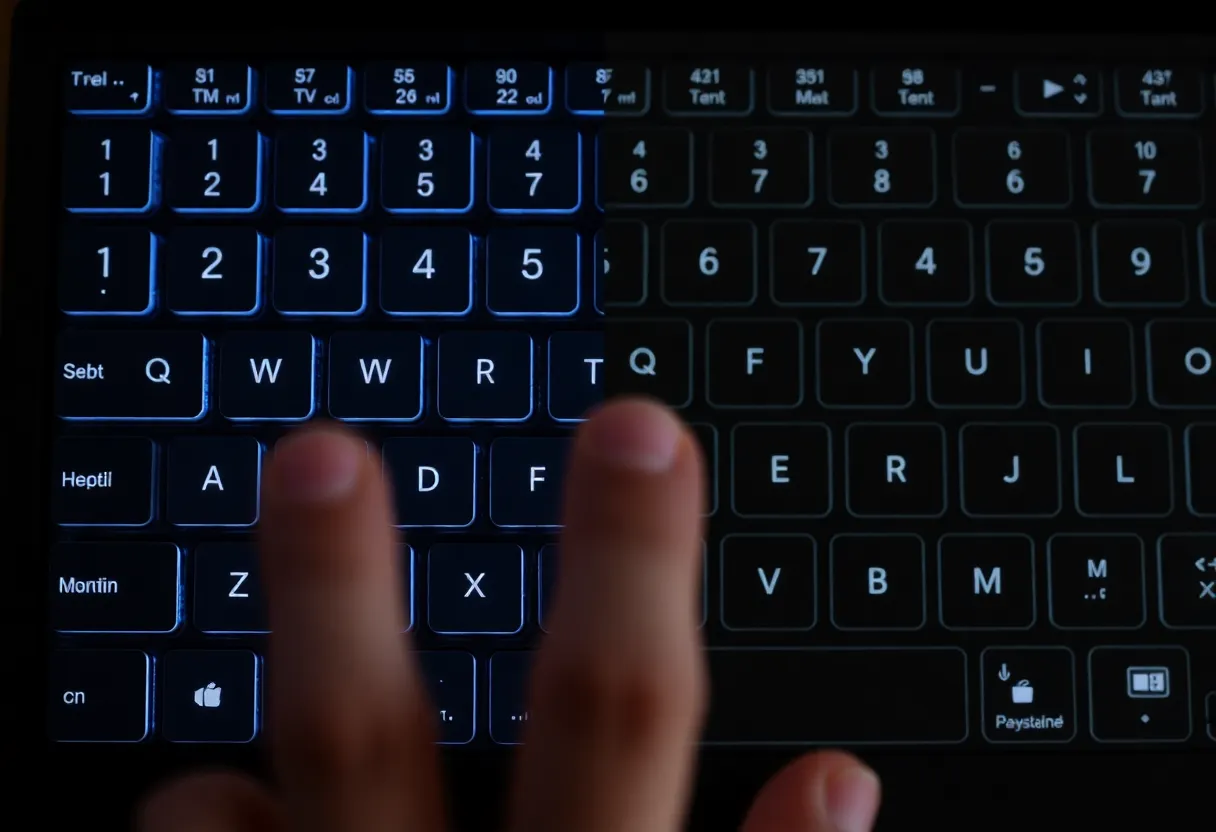
Haptics do shine in specific contexts. Gaming: feeling a recoil or impact adds immersion. Accessibility: for users with visual impairment, haptic confirmation can be critical. Alerts: a distinct pattern for an incoming call or message works when the phone is in your pocket. And yes, typing: a light tick on keypress can improve perceived responsiveness and reduce doubt about whether a tap registered. The key is restraint—use haptics where they add information, not everywhere.
The best haptic design is invisible. It reinforces an action without drawing attention to itself. It’s consistent across the interface. And it respects user preference: strong, subtle, or off. Most products fail at least one of these.
Where We Should Focus Instead
Rather than chasing better haptic algorithms, we should focus on touch interfaces that don’t need as much feedback. Larger tap targets. Clearer visual states. Undo and confirmation flows that don’t rely on feeling a buzz. And for power users, physical accessories—keyboards, controllers, styluses—that restore the tactile dimension that touchscreens stripped away.
Haptics aren’t useless. But they’re a footnote, not a solution. The real work is making touch interfaces more forgiving, more discoverable, and less dependent on perfect motor control. Until then, the buzz will keep missing the point.