Why Every Developer Should Try Building a Simple Robot

Derek Chen
March 7, 2026
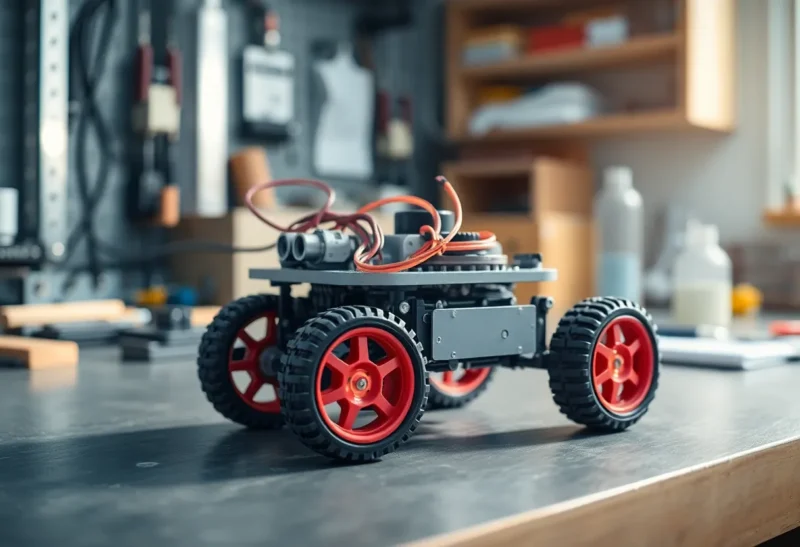
Most developers spend their days in abstractions: APIs, databases, virtual machines. The code runs somewhere out there, on servers you’ve never seen. There’s value in that—it scales. But there’s another kind of value in building something that moves in the real world, with motors and sensors, right on your desk.
Building a simple robot—even a basic line-follower or a tiny rover that bumps into walls—forces you to think in ways that pure software never does. You have to deal with noise, timing, and physics. You learn why “it works on my machine” stops mattering when your machine has wheels.
The Case for Getting Physical
Software developers are trained to think in layers. We abstract hardware behind drivers and frameworks. We mock external systems. We write tests that run in isolation. That discipline is essential. But it also creates a gap: we rarely touch the boundary where code meets reality.
A simple robot closes that gap. You write a line of code; the robot turns. You change a threshold; it overshoots a corner. There’s no cloud latency to blame, no cache to clear. The feedback loop is immediate and physical.
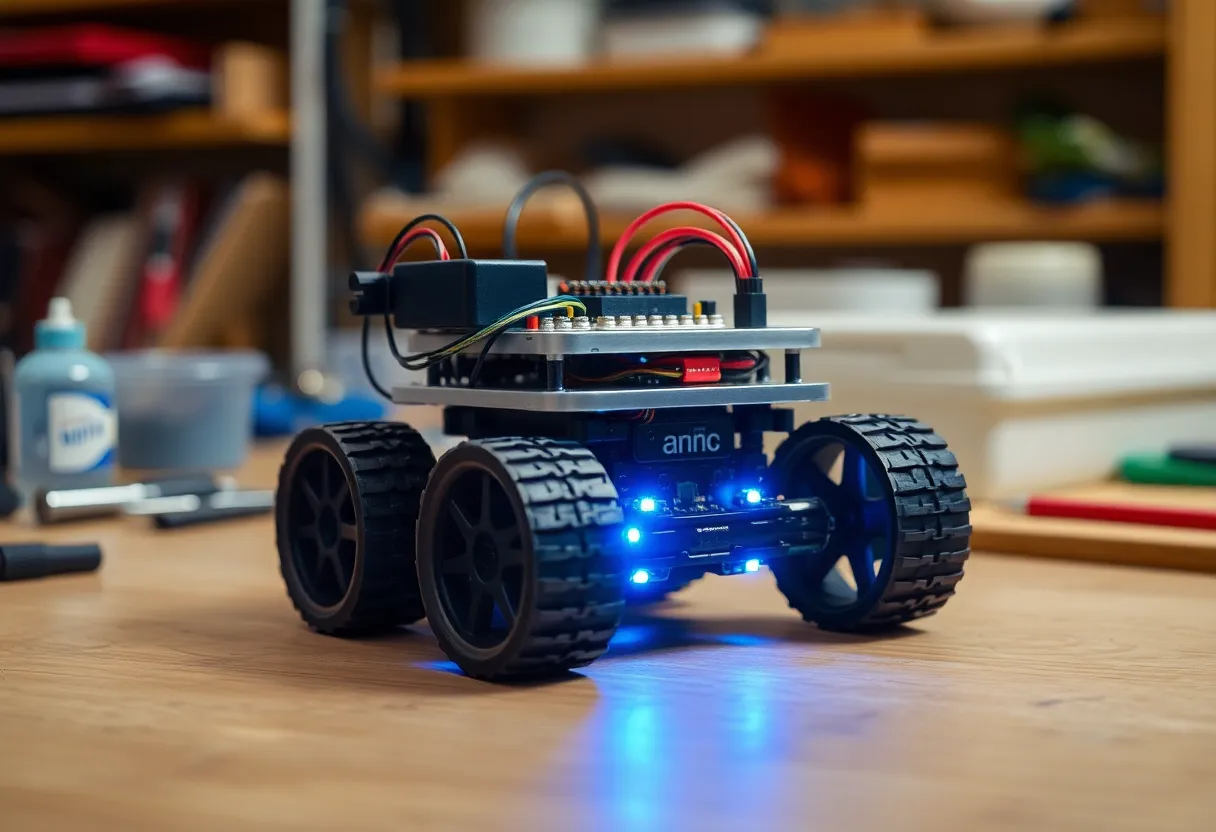
That immediacy teaches something intangible: a feel for how software behaves when it’s coupled to hardware. When you later debug a production system that misbehaves under load, or a mobile app that stutters on certain devices, that experience pays off. You’ve seen what happens when your assumptions about the world don’t quite match reality.
What You Actually Learn
Building a basic robot—say, an Arduino or Raspberry Pi–based rover—introduces concepts that most web or app developers never encounter:
- Real-time constraints. When your robot is heading toward a wall, “eventually” isn’t good enough. You learn about polling loops, interrupt handlers, and why blocking calls are dangerous.
- Sensor noise. Ultrasonic distance sensors jitter. Line sensors pick up shadows. You can’t just trust the raw value; you need filtering, thresholds, and sometimes a bit of hysteresis.
- Actuator limits. Motors have ramp-up times. Servos have dead zones. Your code has to account for the fact that the physical world doesn’t respond instantly.
- Power and timing. Batteries sag under load. Brownouts cause resets. You learn why decoupling capacitors exist and why “it worked until I added the second motor” is a classic hardware debugging story.
None of this is wasted. The same mindset—question assumptions, handle failure modes, design for real-world messiness—applies to distributed systems, APIs, and user-facing software.
You Don’t Need a Lab
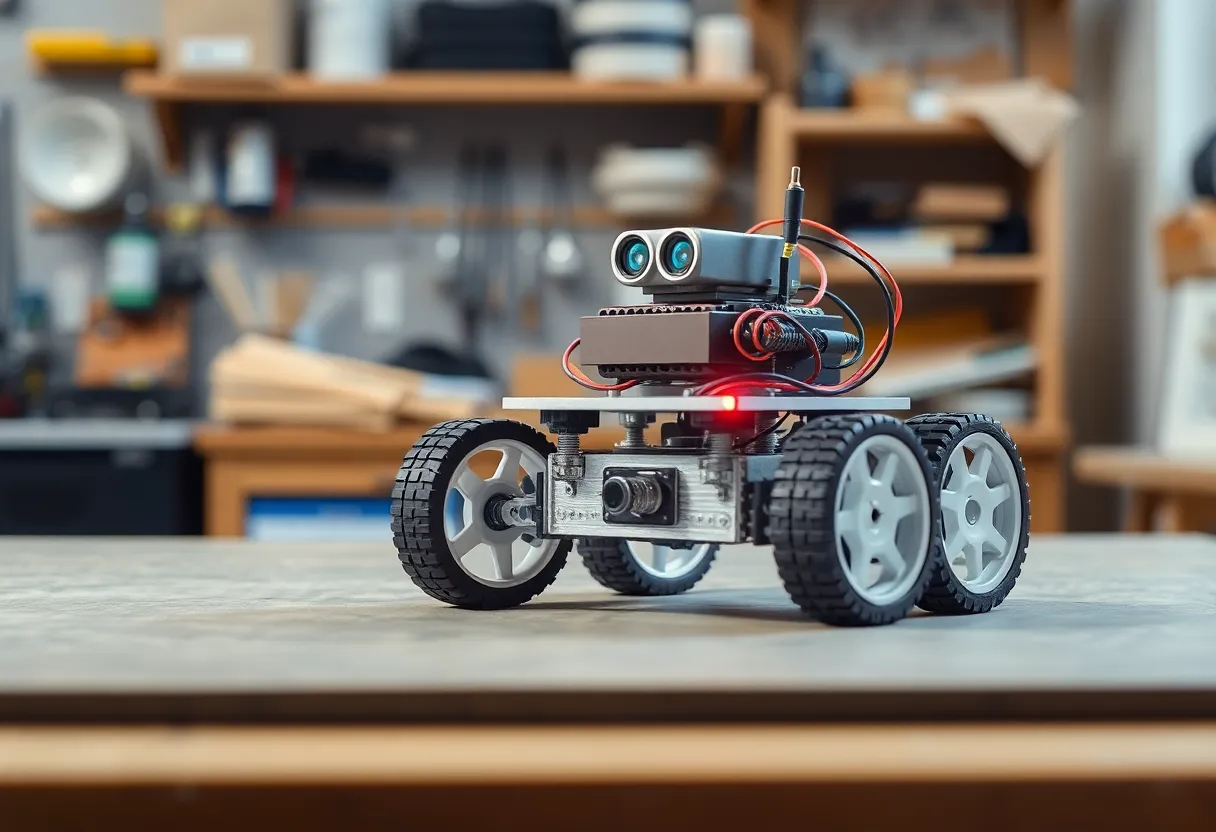
It’s easier than you think to get started. A basic Arduino kit with motors, wheels, and a few sensors can cost under fifty dollars. Raspberry Pi–based builds are a bit more, but you get Linux and Python. There are dozens of project guides for line-followers, obstacle-avoidance bots, and simple rovers.
The goal isn’t to build something impressive. It’s to build something that works—that responds to its environment in a way you programmed. Your first robot might only drive in a circle. That’s fine. The learning happens in the process: wiring, debugging, tuning.
Arduino vs Raspberry Pi: Which Fits You
If you’re coming from web development, your instinct might be to reach for a Raspberry Pi. It runs Linux; you can use Python or Node.js; it feels familiar. For a first robot, though, an Arduino is often the better choice. It boots instantly, has no OS scheduling to fight, and forces you to think in tight loops. You learn timing in a way that abstraction layers hide on a Pi.
That said, a Raspberry Pi–based robot has advantages: you can add a camera, run OpenCV for simple vision, or slap a web interface on it. The trade-off is complexity. Start simple. If you go with Arduino, you’ll learn C; if you go with Pi, MicroPython or standard Python both work. The language matters less than the mindset.
Common Pitfalls (And How to Avoid Them)
Every new robotics builder hits the same walls. Power is the first: undersized batteries, voltage drops when motors draw current, brownouts that reset your microcontroller. A simple fix is a separate power rail for motors and logic, or at least a beefy capacitor across the logic supply. Don’t assume your USB power bank can handle motor spikes.
Then there’s wiring. Loose connections cause intermittent bugs that drive you mad. Test each sensor and motor individually before integrating. Use a multimeter. Label your wires. It feels tedious until the moment you catch a bad solder joint in thirty seconds instead of three hours.
Finally, calibration. Sensors aren’t identical. Your line-follower might need per-sensor thresholds; your ultrasonic might have a dead zone. Build in trim pots or software calibration. Accept that you’ll spend as much time tuning as coding.
What This Teaches You About Software
Here’s the surprising part: the debugging habits you develop with robots transfer directly to software. When your robot veers left for no reason, you isolate variables. You log sensor readings. You add assertions. You narrow the problem space. That’s exactly what you do when a production API misbehaves—except with robots, the feedback loop is minutes instead of deployments.
You also learn to respect failure modes. In software, we assume disks don’t fail, networks don’t drop, and users follow the happy path. In robotics, sensors lie, motors stall, and the floor isn’t flat. Building for that chaos makes you a better systems designer. You start thinking about retries, fallbacks, and graceful degradation in a more visceral way.
Why This Matters for Your Career
The tech industry is moving toward systems that touch the physical world: IoT, autonomous systems, robotics, and embedded AI. Developers who understand both software and hardware have an edge. They can talk to mechanical engineers. They can spot integration bugs that pure-software teams miss. They understand why “it works in simulation” doesn’t mean “it works in the field.”
Even if you never touch robotics professionally, the habits stick. You become more careful about edge cases. You think about failure modes. You appreciate that the world is messier than your models.
Where to Start
Pick a simple project and commit to finishing it. A line-follower is a classic first build: a few sensors, two motors, and logic to steer. An obstacle-avoidance rover adds distance sensors and basic navigation. Both teach the same core lessons: read sensors, make decisions, actuate motors, repeat.
Don’t aim for perfection. Aim for completion. Get it working, even if it’s janky. Then iterate. The second version will be cleaner. The third will be something you’re proud of. Join a maker space or an online community—you’ll find people who’ve solved the exact problems you’re stuck on, and you’ll pay that forward when the next beginner asks for help.
Software will always be abstract. APIs and cloud services will keep scaling. But every now and then, there’s real value in making something physical move—in learning what it costs to bridge the gap between your code and the world. A simple robot is a low-cost, high-reward way to do that.