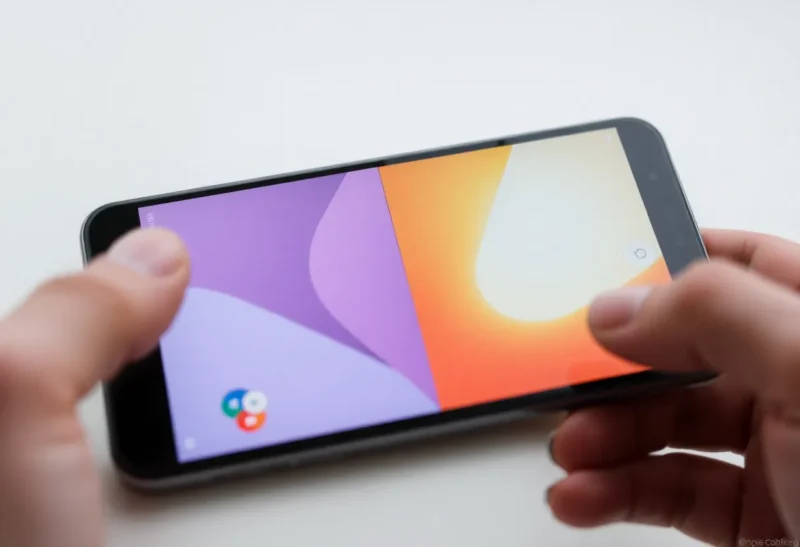
Android has supported split-screen multitasking since 2016. Nearly a decade later, it’s still one of the platform’s most undercooked features. You can run two apps side by side—the capability exists—but the experience varies wildly by device, app, and Android version. What should feel like a core productivity feature often feels like an afterthought.
That’s frustrating for anyone who wants to use their phone for real work: reference a document while taking notes, watch a video while chatting, or compare prices across two browser tabs. Android can do it. The question is whether the friction is worth it.
How Split-Screen Actually Works (And Where It Breaks)
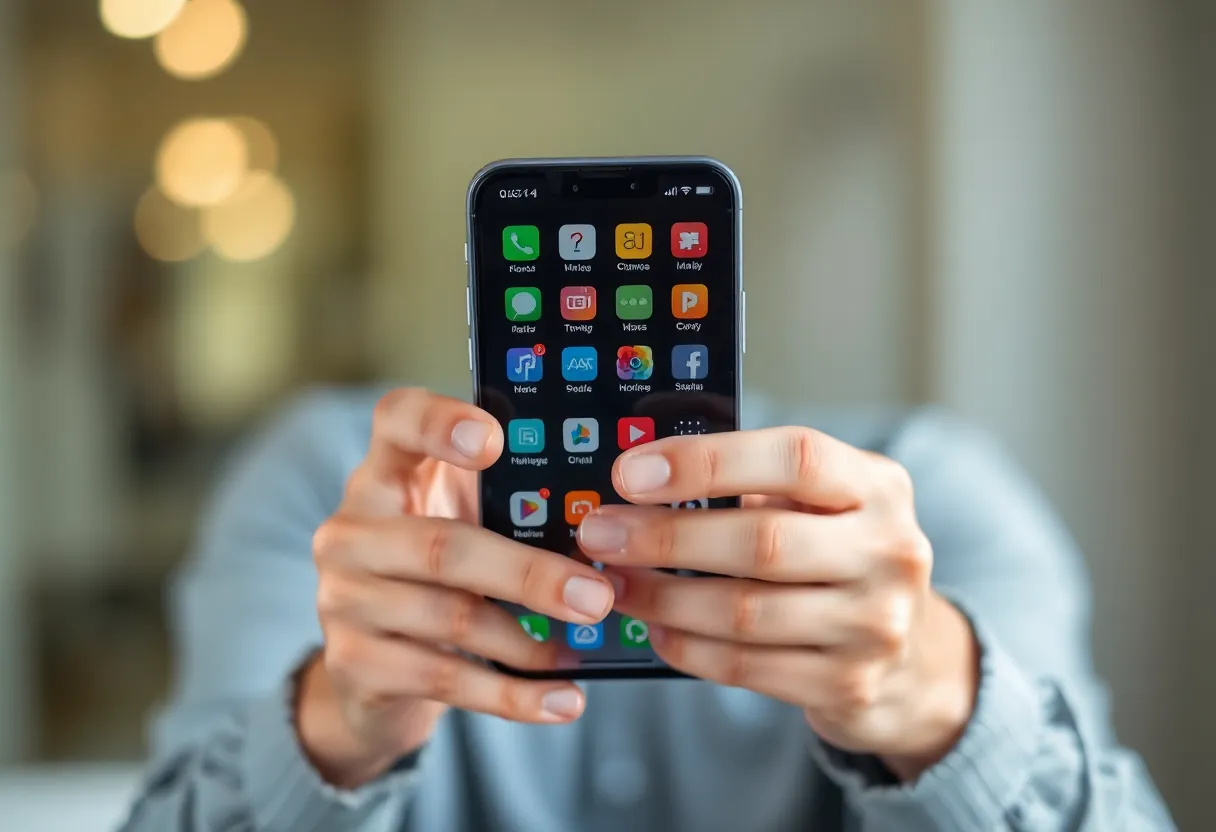
On paper, split-screen is straightforward. Long-press the recent-apps button (or use a gesture), tap an app’s icon to split, pick a second app, and you’re done. In practice, the entry point changes depending on your OEM skin. Samsung has its own flow. Pixel has another. OnePlus, Xiaomi, and others each layer their own tweaks. There’s no consistent muscle memory across the Android ecosystem.
Even when you get into split-screen, the problems start. Not every app supports it. Apps that haven’t been updated for multi-window often display a letterboxed, scaled-down version of their single-window layout. Buttons get tiny. Text becomes unreadable. Some apps refuse to resize at all and show a “this app doesn’t support split-screen” message. Google’s own apps are inconsistent—Gmail handles it well; others less so.
The resize behavior is another pain point. You can drag the divider to give more space to one app, but the minimum and maximum sizes are arbitrary. Many apps have a hard-coded minimum height; shrink them past that and they just stop. There’s no standardization for what “half screen” means on a tall 20:9 display. One app might show useful content; the other might show nothing but a header and whitespace.
The App Developer Problem
Android gives developers tools to support multi-window: resizeableActivity, configChanges, and layout qualifiers for different aspect ratios. But supporting split-screen properly means testing every combination of dimensions, handling orientation changes, and making sure your UI doesn’t break when the window is 400 pixels tall instead of 800. Many developers—especially smaller teams or those focused on iOS first—don’t bother.
Google has nudged developers toward better support over the years. Android 12 made split-screen more discoverable. Android 13 improved taskbar integration. But the platform doesn’t mandate that apps work well in multi-window. Unlike tablets, where Android 12L and 13 added stronger expectations for large-screen layouts, phones are still treated as single-app devices by default. The result: a feature that exists everywhere, works well nowhere.
What Works (And What Doesn’t)
The best split-screen experiences come from apps built for it. Browsers usually handle it fine—Chrome, Firefox, and others resize gracefully. Note-taking apps like Google Keep and Samsung Notes work. Messaging apps are hit or miss; Telegram handles it well, others cramp the UI. Video apps often block split-screen entirely to prevent PiP-style usage they can’t control. Streaming services are notorious for this.
Even when both apps support split-screen, the aspect ratio of a phone screen works against you. A 6.5-inch display split in half gives you two narrow columns. Reading long-form content in half a phone screen is miserable. Spreadsheets are unusable. The feature makes more sense on a tablet—and Android tablets have gotten better at it—but phone users are the ones asking for it most.
The Fragmentation Tax
Android’s strength is choice. Its weakness is inconsistency. Split-screen is a case study: every manufacturer implements it slightly differently, every app supports it to a different degree, and there’s no single “right” way to do it. Apple’s Stage Manager on iPad has its own issues, but at least it’s one implementation across one ecosystem. Android users have to rediscover the feature on every new phone.
If you rely on split-screen, your best bet is to stick with devices and apps you’ve tested. Samsung’s DeX and similar desktop modes sometimes handle multi-window better than split-screen itself. And if your workflow demands real multitasking, a tablet or laptop will always beat a phone—no matter how good the software gets.
Until Google or the major OEMs decide that split-screen matters enough to enforce and standardize, it’ll stay half-baked. The capability is there. The polish is not.