E-Ink Beyond E-Readers: Tablets and Displays in 2026

Rita Chen
March 1, 2026
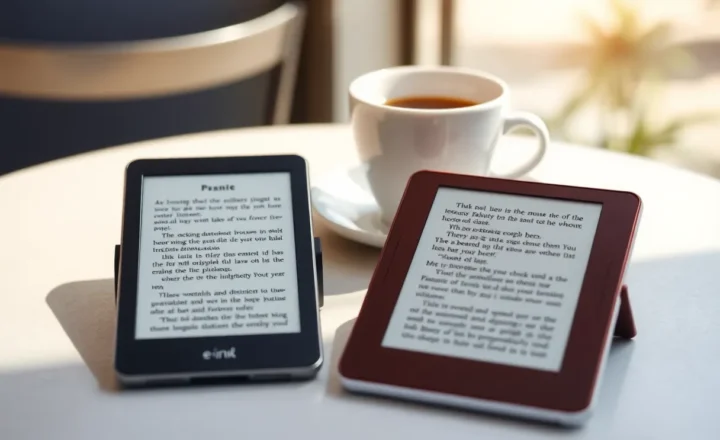
E-Ink started with e-readers. Kindle, Kobo, Nook—devices that mimicked paper and lasted weeks on a charge. Now E-Ink is showing up in tablets, notebooks, smart displays, and even phone secondary screens. The technology has evolved. In 2026, it’s worth asking: what can E-Ink do beyond e-readers, and when does it make sense?
How E-Ink has improved
Refresh rates used to be the bottleneck. Early E-Ink was slow—page turns took a second, video was impossible. Color was washed out. Fast-forward mode, regional refresh, and better controllers have improved speed. Color E-Ink (Kaleido, Gallery) is still not LCD-quality, but it’s usable for comics, diagrams, and casual browsing. Black-and-white E-Ink is crisp and readable in any light. For reading and note-taking, it’s excellent.
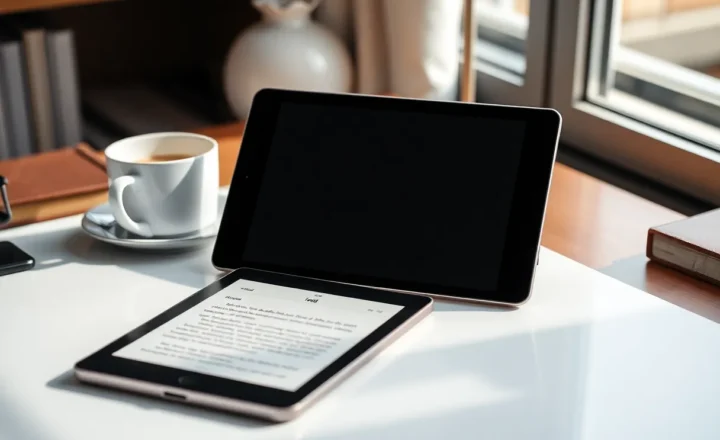
Tablets like reMarkable, Boox, and Supernote have added pen input, layers, and app ecosystems. You can annotate PDFs, take handwritten notes, and sync to cloud services. Some run Android and support third-party apps—with the caveat that E-Ink’s slow refresh makes many apps frustrating. The sweet spot is reading and writing, not general computing.
Where E-Ink shines
Reading long-form content. Books, articles, PDFs. E-Ink’s paper-like appearance reduces eye strain compared to backlit LCD. Battery life is measured in weeks, not hours. Outdoor readability is unmatched—sunlight improves contrast instead of washing out the screen. If you read a lot, an E-Ink tablet or e-reader is still the best tool.
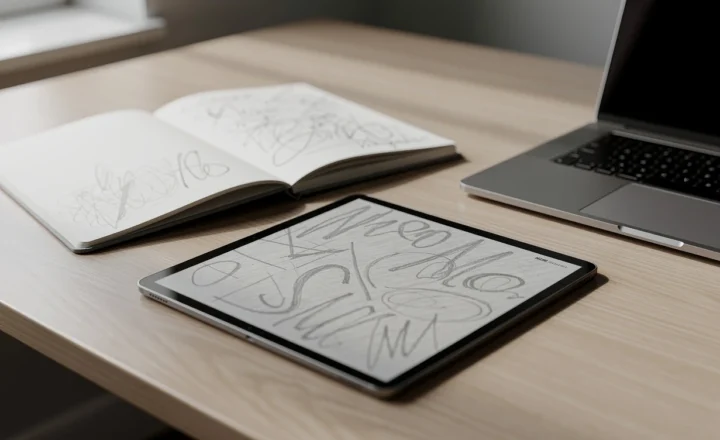
Note-taking. Handwritten notes on E-Ink feel closer to paper than writing on an iPad. Latency has improved; many devices now feel responsive enough for fast writing. Export to PDF, PNG, or sync to cloud. For students, researchers, and anyone who annotates documents, E-Ink tablets fill a niche LCD tablets don’t.
Always-on displays. Smart displays, desk clocks, and secondary screens can use E-Ink for low-power, always-visible information. No backlight drain; the image persists until refreshed. Some e-readers double as desk clocks or dashboards when idle.
Where E-Ink falls short
Video and animation. Even with faster refresh, E-Ink isn’t built for motion. Ghosting, lag, and limited frame rates make video a poor experience. If you need video, stick with LCD or OLED.
General productivity. Email, spreadsheets, browsing—possible on some E-Ink Android tablets, but the slow refresh makes interaction feel sluggish. E-Ink works best for consumption and focused writing, not multitasking.
Color accuracy. Color E-Ink is improving but still can’t match LCD or OLED for vividness. If color matters—photo editing, design—E-Ink isn’t the tool.
The 2026 landscape
E-Ink tablets have converged around a few form factors: 7–8 inch for portability, 10–13 inch for documents and note-taking. reMarkable focuses on simplicity; Boox offers Android flexibility; Supernote targets writers. Each has trade-offs. Prices range from a few hundred to over $500 for larger devices.
E-Ink displays are also appearing in laptops—dual-screen designs with an E-Ink secondary display for reading and note-taking. Lenovo, ASUS, and others have experimented. The idea is appealing: one device for both productivity and distraction-free reading. Execution is mixed; the secondary screen often feels tacked on. But the direction is clear—E-Ink is expanding beyond dedicated e-readers.
Who should care
If you read a lot and want a device that doesn’t compete for your attention with notifications and apps, an E-Ink tablet is worth considering. If you annotate PDFs and prefer handwriting to typing, E-Ink tablets are purpose-built for that. If you want a single device for reading, note-taking, and light browsing, the better E-Ink tablets can do it—with the understanding that they’re specialized tools, not iPad replacements.
E-Ink beyond e-readers is real. In 2026, the question isn’t whether E-Ink tablets exist—it’s whether they fit your workflow. For reading and writing, they often do. For everything else, they don’t. And that’s okay.