Why Building a Pi Hole Was the Best Network Upgrade I Made

Jesse Cole
February 26, 2026
I’d tried ad blockers in the browser, DNS tweaks on individual devices, and the usual tricks. Nothing touched the problem at the source until I ran Pi-hole on a Raspberry Pi and pointed my whole network at it. Overnight, every device at home—phones, tablets, smart TVs, random IoT gadgets—stopped talking to ad and tracking domains. No per-device setup, no subscription, no ongoing cost. It was the best network upgrade I’ve made. Here’s why it mattered and how to think about doing it yourself.
What Pi-hole Actually Does
Pi-hole is a network-level DNS sinkhole. It runs on a small machine (typically a Raspberry Pi) on your LAN and acts as your network’s DNS server. When any device asks “where is doubleclick.net?” or “where is analytics-evil.com?”, Pi-hole can answer with “nowhere”—it blocks the request. The ad or tracker never loads. Because it works at DNS, it covers everything that uses your network: phones, tablets, smart speakers, set-top boxes, game consoles. You configure your router (or each device) to use the Pi’s IP for DNS, and one box protects the whole house.
It’s not perfect. Some ads are served from the same domain as content, so DNS blocking can’t separate them. Encrypted DNS (DoH, DoT) can bypass Pi-hole if an app uses its own resolver. And you have to maintain blocklists and occasionally whitelist something that broke. But for the majority of ad and tracking traffic, it’s remarkably effective. You notice it first on devices that don’t have good ad blockers—smart TVs, cheap tablets, IoT devices. Suddenly they stop phoning home to a dozen tracking domains every minute.
Why It Felt Like the Best Upgrade
Before Pi-hole, improving the network meant faster Wi-Fi or a better router. Useful, but incremental. Pi-hole changed what the network did, not just how fast it was. The same pipe, the same devices—but fewer requests to junk, less tracking, and a quieter, more private baseline for every device. It was a single change that upgraded the behavior of the whole house. No new hardware per device, no monthly fee, no app to install on the kids’ tablets or the guest network. Set it once, forget it (until you need to whitelist something).
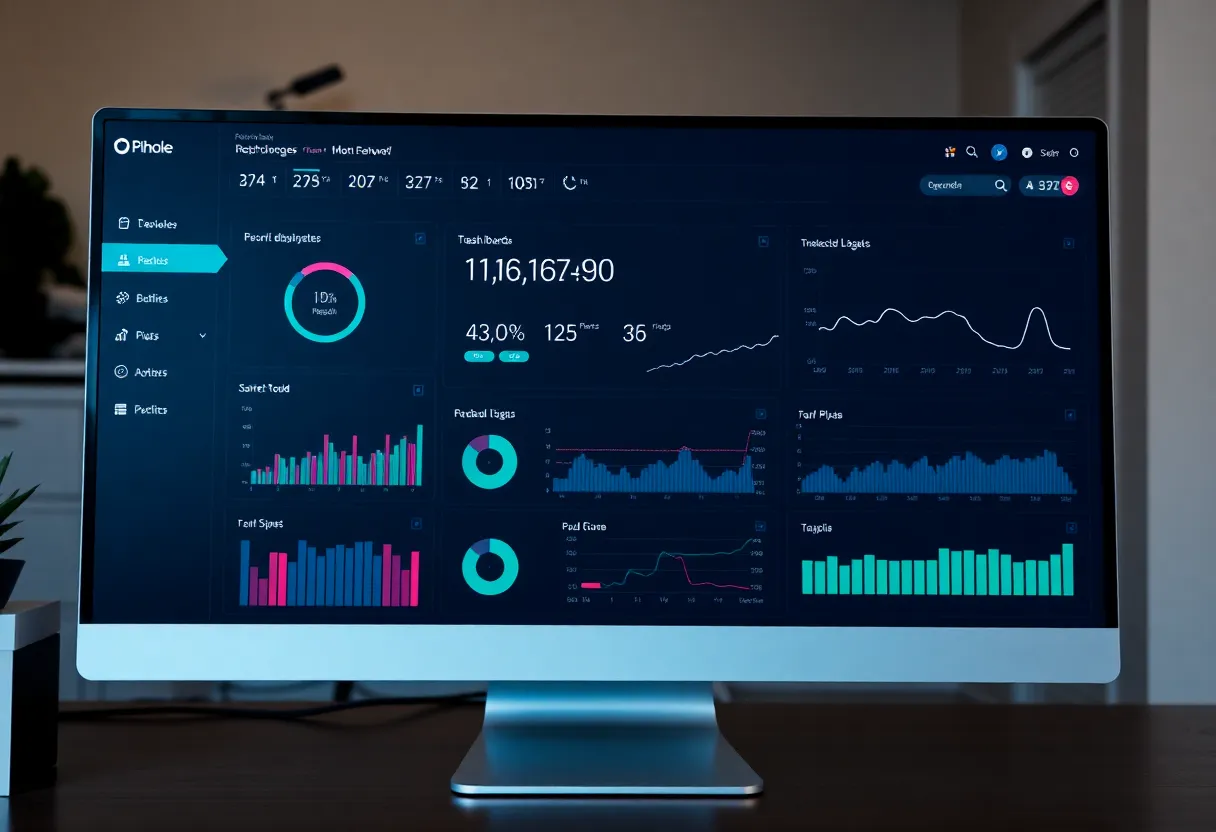
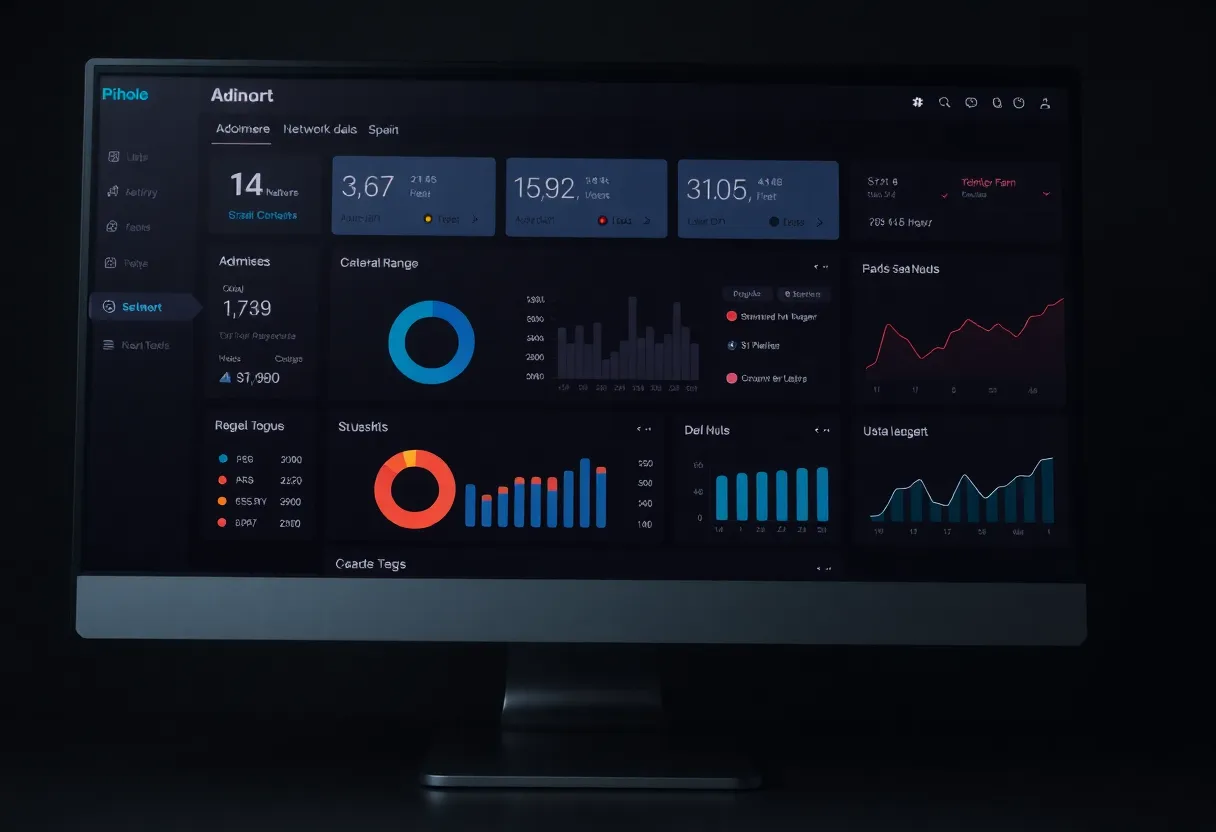
There’s also the visibility. The Pi-hole admin UI shows you what’s being blocked: which devices are chatty, which domains are getting sinkholed. You learn how much background noise your smart TV or your phone’s apps were generating. That awareness alone is valuable. You’re not just blocking; you’re seeing what was there. For a homelab type, it’s the kind of upgrade that pays back in satisfaction as much as in function.
What You Need to Build One
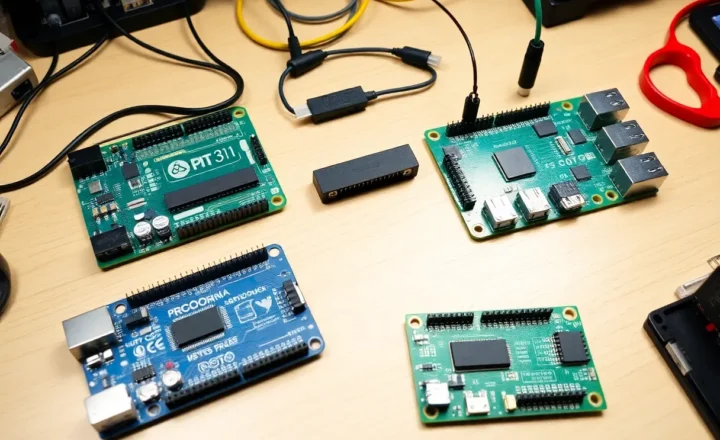
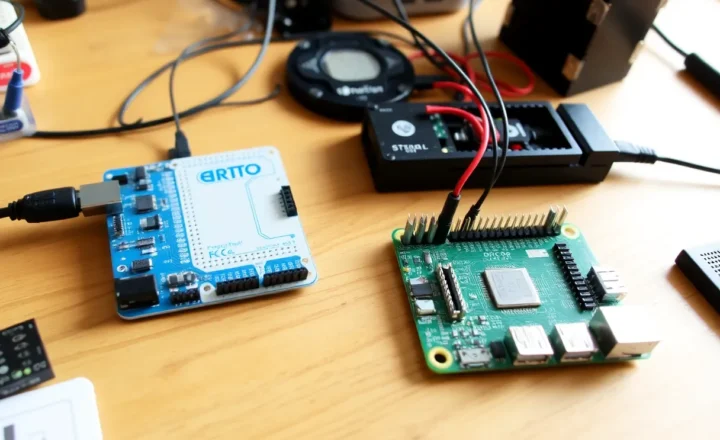
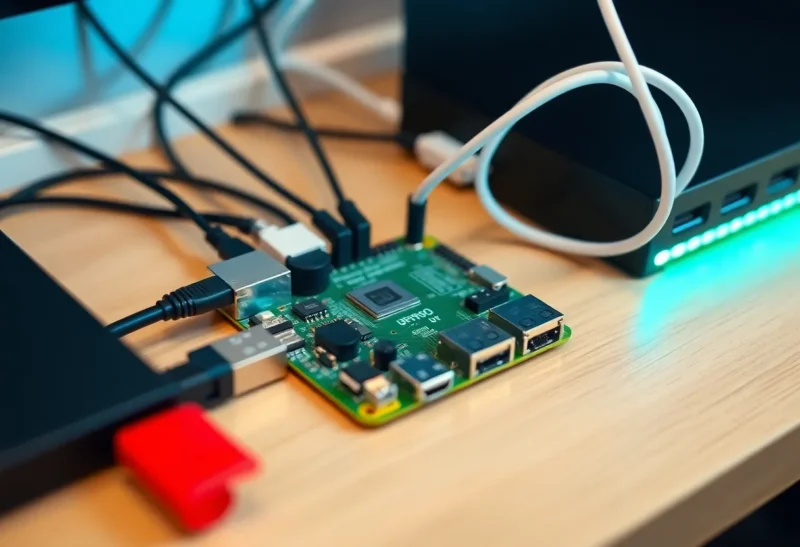
You need a device that can run Linux and sit on your network 24/7. A Raspberry Pi (even an older one) is the classic choice; a small PC or a VM on a home server works too. Install the OS, run the Pi-hole install script, and set the Pi’s IP as your network’s DNS (router DHCP option or manual config on devices). Add blocklists (the defaults are a good start), and you’re done. Maintenance is minimal: occasional updates and the rare whitelist when a site or app breaks. If you’re comfortable with basic networking and a command line, it’s a weekend project. If not, there are guides and pre-built images that simplify it further.
The Caveats
Pi-hole won’t replace a good browser ad blocker for heavy web use—browser extensions can do cosmetic filtering and handle first-party ads that DNS can’t. And if someone on your network uses encrypted DNS that bypasses your LAN (e.g., some browsers or VPNs), their traffic won’t go through Pi-hole. For most home setups, though, the majority of devices will use the network DNS, and the win is real. Just don’t expect 100% coverage of every ad everywhere. Expect a big, noticeable drop in junk traffic and a cleaner baseline for the whole network.
Conclusion
Building a Pi-hole was the best network upgrade I made because it changed the default for every device at once: fewer ads, less tracking, no per-device setup, no subscription. It’s a single point of control that pays back in privacy and peace of mind. If you’ve got a spare Pi or a small box that can run Linux, it’s worth trying. You might find, like I did, that it’s the upgrade you didn’t know you needed.