Why Device Notifications Are Engineered to Hook You—And How to Take Back Control

Morgan Reese
February 26, 2026
Your phone buzzes. You look. It’s an app you opened once, now “reminding” you of something you didn’t ask for. Notifications weren’t always like this. They’ve become a product: engineered for engagement, variable reward, and the urge to check. Push notifications started as a way to deliver real-time alerts—messages, calendar, breaking news. Today they’re a core growth and retention tool. Every ping is a chance to pull you back into an app. Understanding how they’re designed to hook you is the first step to taking back control. Here’s what’s going on under the hood and what you can do about it.
How Notifications Are Designed to Capture Attention
Apps and platforms optimize for attention and retention. Notifications are one of the main levers. They use timing (e.g. when you’re likely to be idle), wording (urgency, curiosity, social proof), and variable reward—you don’t know whether the next ping is important or trivial, so you check. Badges, sounds, and lock-screen previews create a loop: see notification, open app, get more notifications. The goal isn’t to inform you; it’s to bring you back. That’s why so many notifications are vague (“You have a new update”) or social (“3 people liked your post”)—they’re optimized for clicks, not clarity.
Design choices reinforce the habit. Red badges create visual urgency. Default settings are usually “everything on.” Opt-out is buried; opt-in for “important only” is rare. Lock-screen previews tease content so you have to unlock to see the rest. Sounds and haptics are tuned to be hard to ignore. The result is a stream of interruptions that feel urgent but often aren’t. Your brain learns to respond to the ping; the ping becomes the habit. Research on attention and interruption shows that even quick checks fragment focus and add cognitive load. Taking back control means changing both what you’re exposed to and how you respond.
Why It Works: Variable Reward and the Urge to Check
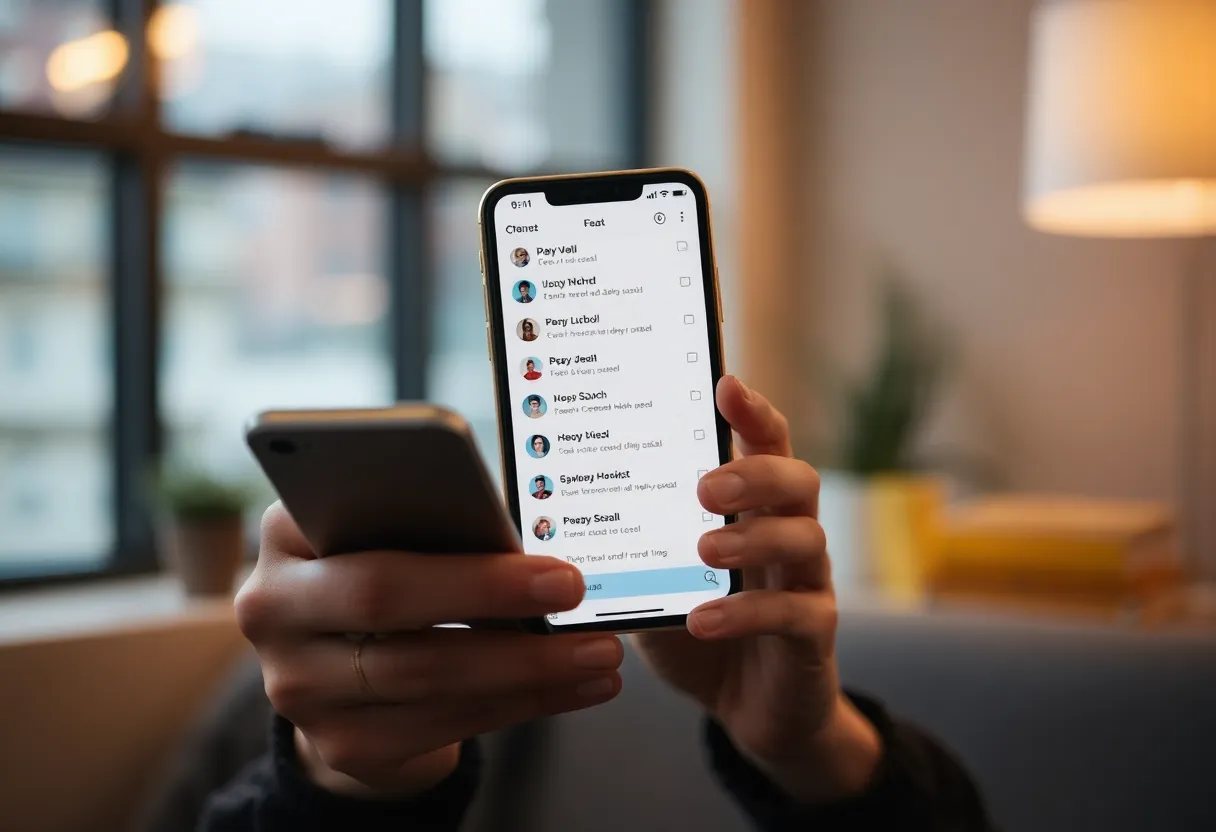
Variable reward is a well-known driver of habit. Slot machines use it; so do social feeds and notification systems. When the reward is unpredictable—sometimes it’s a message from a friend, sometimes a promo—you check more often. Notifications are tuned to deliver that unpredictability. You can’t tell from the preview whether it’s worth your time, so you open the app. Once you’re in, the app has another chance to show you content and trigger another notification later. The loop is intentional. Recognizing that the “ping” is designed to be compelling, not necessarily important, helps you decouple the urge from the action. The same psychology that makes a slot machine hard to walk away from makes “just one more check” feel necessary. The difference is you can change the design of your own environment.
The Cost of Constant Interruption
Every notification is a potential context switch. Studies on task-switching and interruption show that even brief checks extend the time it takes to return to deep work. Notifications also create a background sense of “something might need me”—which makes it harder to fully focus even when you’re not looking. The cost isn’t just the minute you spend on the app; it’s the fractured attention and the habit of checking. Over time, a phone that’s always pinging trains you to be interruptible. Reversing that means reducing the pings and retraining the habit so your default isn’t “check when buzzed.”
Practical Steps to Take Back Control
Start by auditing what can notify you. On iOS: Settings → Notifications, then go app by app. On Android: Settings → Apps → Notifications (or Notifications in the main menu). Turn off notifications for anything that isn’t genuinely useful—news digests, social likes, marketing, and “reminders” you didn’t set. Leave on only what you need: messages from people you care about, calendar, maybe critical work alerts. Default to off for new apps; turn on only what you actually want. That alone cuts most of the noise. Be ruthless: if you wouldn’t drop what you’re doing to respond, it probably doesn’t need to ping you.
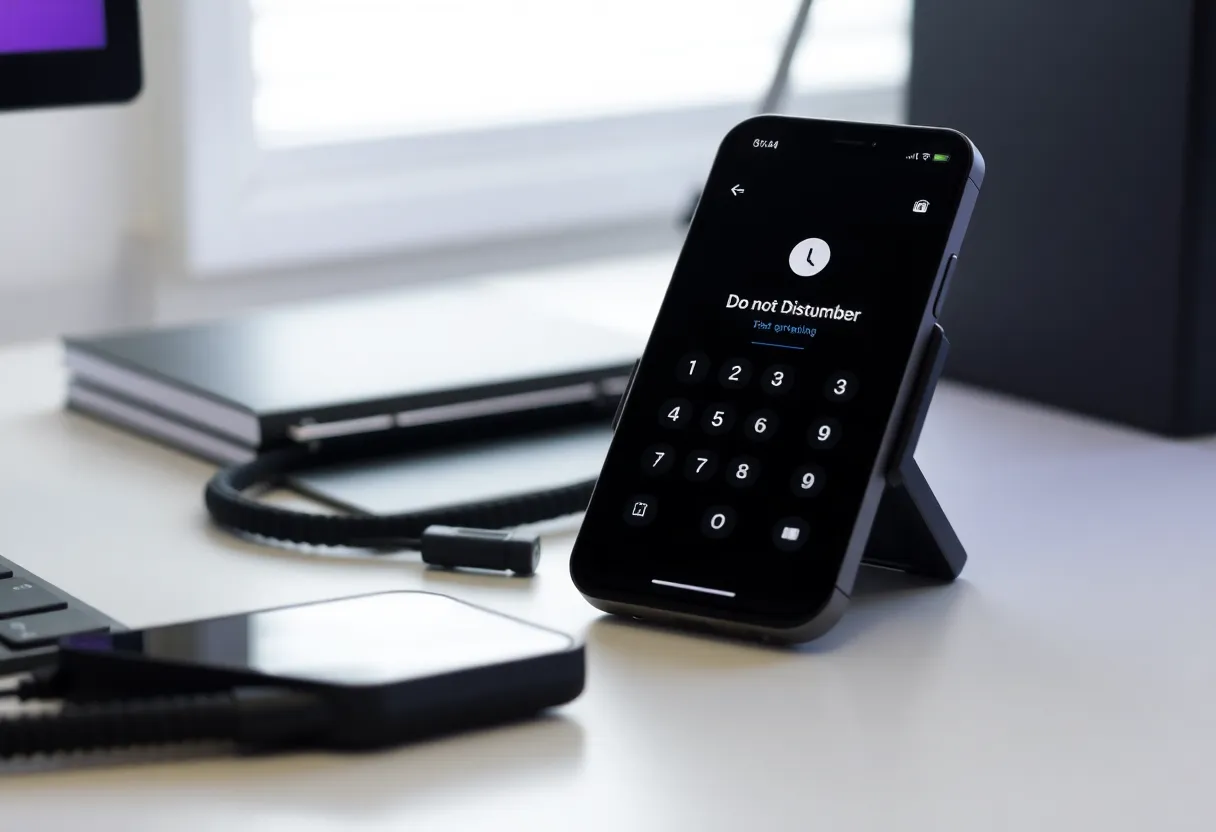
Use system-level tools. Do Not Disturb and Focus modes (or Android’s Do Not Disturb and Digital Wellbeing) let you silence everything except allowlisted contacts or apps during work, sleep, or focus time. Schedule them so your phone is quiet when you need to concentrate or rest—e.g. DND from 10 p.m. to 7 a.m., and a Focus mode during work hours that only allows calls from key people. Move distracting apps off the home screen or into a folder so you’re not visually prompted to open them. Some people keep a separate “communication only” device or profile; that’s extreme but effective if you need a hard boundary. The goal is to make checking a choice, not a reflex.
Replacing the Habit
Notifications don’t just inform; they trigger a habit. If you’re used to checking your phone on every buzz, turning off the buzz is only half the fix. The other half is what you do instead. Decide when you’ll check messages and feeds—e.g. a few fixed times a day—and stick to that. Let the rest wait. If you need to check something specific, open the app intentionally; don’t let a random notification drive the visit. Over time, the urge to check on every ping weakens when the ping isn’t there. Some people leave their phone in another room during focus blocks; others use a grayscale or “minimal” mode to reduce visual pull. The key is to break the automatic link between “something happened” and “I must look now.”
The Bigger Picture
Notification design is a symptom of a broader attention economy. Apps are built to maximize engagement; that often means maximizing interruption. As a user, you can’t change the business model, but you can change your environment: fewer notification channels, clearer boundaries, and habits that don’t depend on the next ping. Taking back control isn’t about willpower alone—it’s about changing the defaults so your device serves you instead of the product’s engagement goals. Notifications will keep being optimized to pull you in; your job is to decide what gets through and when you’ll look. Audit, silence, schedule, and replace the reflex with intention. Your attention is the resource; the rest is design.
Bottom Line
Notifications are engineered to hook you: variable reward, urgency, and design that favors checking over clarity. Taking back control means turning off what you don’t need, using Do Not Disturb and Focus modes, and building habits that don’t depend on the next buzz. Audit your apps, silence the noise, and decide when you’ll check—not when the device decides for you.