What USB-C Dongle Hell Teaches Us About Standards and Interop

David Shaw
February 26, 2026
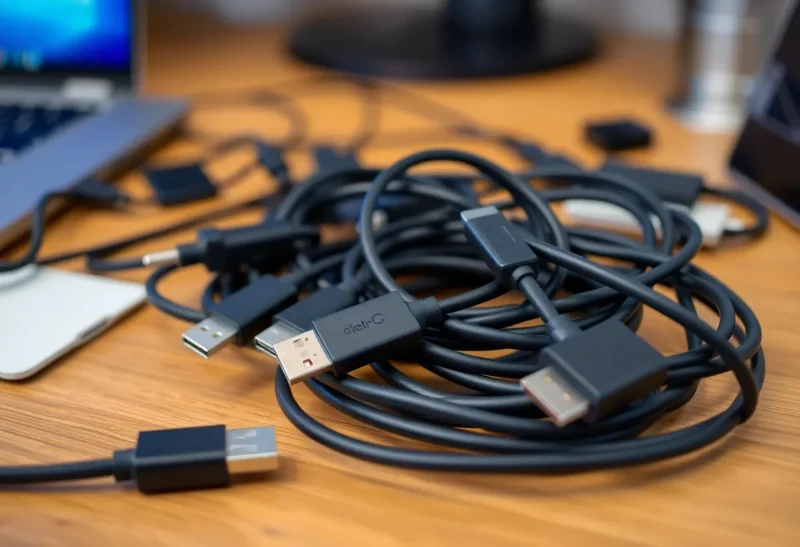
USB-C was supposed to fix the mess: one connector for power, data, and video. Instead we got a drawer full of dongles, cables that charge but don’t do data, and “USB-C” ports that don’t speak the same language. The dongle hell isn’t just annoying—it’s a lesson in how standards get diluted when everyone slaps the same shape on different capabilities. Laptop makers went all-in on USB-C; phone makers adopted it for charging; monitors and docks use it for display and power. But plug the wrong cable into the wrong port and nothing works, or it only half-works. Here’s what’s actually going on and what it tells us about interoperability.
One Port, Many Dialects
USB-C is a physical connector. What runs over it is a different story. Power Delivery (PD) has profiles: 15 W, 45 W, 65 W, 100 W. Your laptop might need 65 W; your phone might negotiate 18 W. A cable that only does 60 W might not charge a power-hungry laptop. Data is another layer: USB 2.0, USB 3.x, USB4, Thunderbolt 3 or 4. A cable that looks identical might be USB 2.0 inside—fine for a keyboard, useless for a fast SSD. Display is yet another: DisplayPort over USB-C, Alt Mode, Thunderbolt. So “USB-C” can mean a dozen different capability sets, and the port on your device doesn’t advertise which ones it supports. You find out by plugging things in and hoping.
That’s why dongle hell exists. Your laptop has two USB-C ports; one might be Thunderbolt, one might be USB 3.2 only. Your monitor wants DisplayPort Alt Mode. Your hub has HDMI, USB-A, and PD pass-through—but only 45 W, and only one of your laptop ports will drive the display. The standard is the connector. The rest is a matrix of optional features that vendors mix and match. Interop is best-effort, and the human has to be the compatibility layer.

Why Standards Fragment
Standards bodies define a spec; vendors implement subsets to hit price points or differentiate. A cheap laptop might ship USB-C that does data and 15 W charging but not video. A premium one might do Thunderbolt 4 with 40 Gbps and 100 W PD. Both say “USB-C.” Consumers see one port type and assume one behavior. The gap between “we have a standard” and “everything that uses the standard works together” is where the dongles and the confusion live. It’s not malice so much as optionality: the spec allows a lot of “may” and “optional,” and vendors pick and choose.
That’s a pattern you see everywhere: HDMI versions, Wi‑Fi generations, Bluetooth profiles. The physical interface converges; the capabilities behind it stay a compatibility minefield. USB-C just made it visible because we expected one cable to rule them all. The lesson: a standard is only as strong as what’s mandatory. When the important stuff is optional, interop is a promise the market doesn’t keep.
Reading the Fine Print: Cables and Hubs
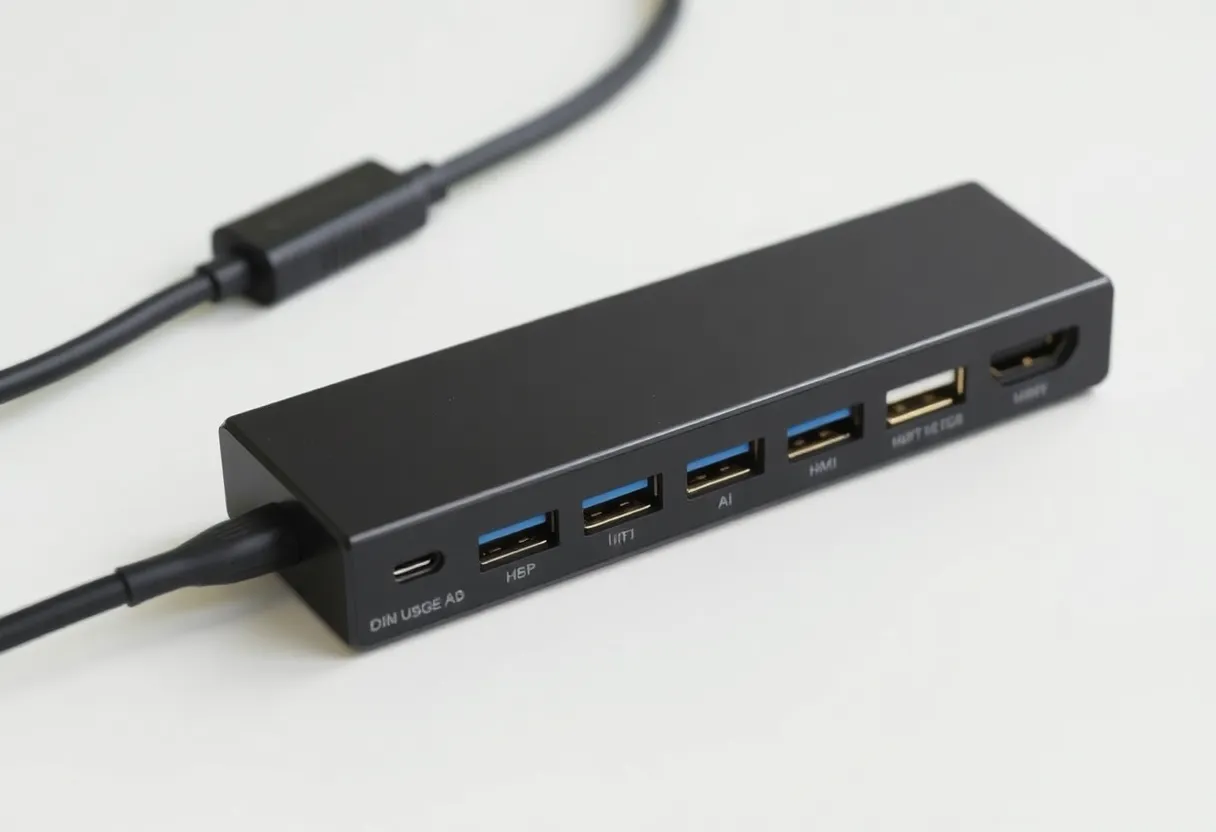
Cables and hubs rarely spell out “USB 2.0 only” or “no video” on the outside. You have to dig into product pages or reviews. For cables: check data rate (e.g. USB 3.2 Gen 2 = 10 Gbps), power rating (e.g. 60 W, 100 W), and whether they support video (DisplayPort Alt Mode or Thunderbolt). Emarker chips in better cables report their capabilities to the host; cheap cables often don’t, and the device may default to slow or charge-only. For hubs and docks: note which ports are Thunderbolt vs USB, how much PD they pass through, and whether they support dual 4K or a single high-refresh display. A hub that says “USB-C” might only give you USB 3.0 and 15 W on the upstream port—fine for a keyboard, useless for a single-cable laptop dock.
What You Can Do in the Meantime
Until the industry tightens what “USB-C” means—or labels ports and cables clearly—you’re stuck doing the compatibility work. Check your device specs: which ports are Thunderbolt, which support DisplayPort Alt Mode, how much PD they can deliver or receive. When you buy a cable or hub, look for the actual capabilities: USB 3.2 Gen 2, Thunderbolt 4, 100 W PD. Don’t assume a USB-C cable does everything. Keep a known-good cable for charging and a known-good one for data or display if you need reliability. Label them if you have several. And when something doesn’t work, try another port or another cable before you assume the device is broken—often it’s the capability mismatch, not the hardware. Dongle hell is manageable once you stop expecting one cable to do it all and start matching capability to use case.
The Bigger Picture: Interop and Optional Features
USB-C dongle hell is a small version of a bigger story. Standards succeed when they make the common case mandatory and leave the rest as optional. When too much is optional, “compliant” devices don’t necessarily work together. That applies to APIs, protocols, and ecosystems too: if every implementation can drop features to save cost or lock you in, the standard doesn’t guarantee interop. As a user, you’re left with a drawer full of adapters. As a developer or a buyer, you’re left checking fine print. The fix isn’t more standards—it’s stricter minimums and clearer labeling so that “USB-C” or “supports X” means something you can rely on. Until then, treating the connector as a shape and the capabilities as something you have to verify is the only way to stay sane. Interop isn’t free; it comes from mandatory baseline behavior, and USB-C taught us that the plug alone isn’t enough.
Bottom Line
USB-C promised one connector for everything. In practice, the connector is shared; the capabilities behind it are not. Dongle hell is what happens when a standard is broad and optional: vendors ship “USB-C” that doesn’t do the same things, and users pay in cables and confusion. The takeaway isn’t to avoid USB-C—it’s to treat the standard as a shape, not a guarantee. Check specs, label your cables, and remember that real interop requires more than a shared plug.