Why Console OS Design Still Feels Like an Afterthought

Nate Corrigan
February 26, 2026

You’ve just unboxed a new console. The hardware is sleek, the controller feels great, and the first game loads in seconds. Then you open the home screen—and within minutes you’re hunting for settings, squinting at tiny text, or wondering why something as simple as “install game in background” still isn’t obvious. The operating system that runs your PlayStation, Xbox, or Switch often feels like the part nobody wanted to design.
It wasn’t always this way. Early consoles had almost no OS to speak of: you put in a cartridge or disc and the game ran. Over time, consoles became connected devices. They needed dashboards, stores, friends lists, and system updates. The result is a layer of software that sits between you and the games—and on every major platform, that layer still feels like an afterthought.
Hardware First, Software Whenever
The core issue is priority. Console makers are hardware companies. They spend years and billions on chips, cooling, industrial design, and supply chains. The OS is the thing that has to ship when the box does. It doesn’t get a multi-year runway; it gets whatever time is left after the silicon and the chassis are locked in.
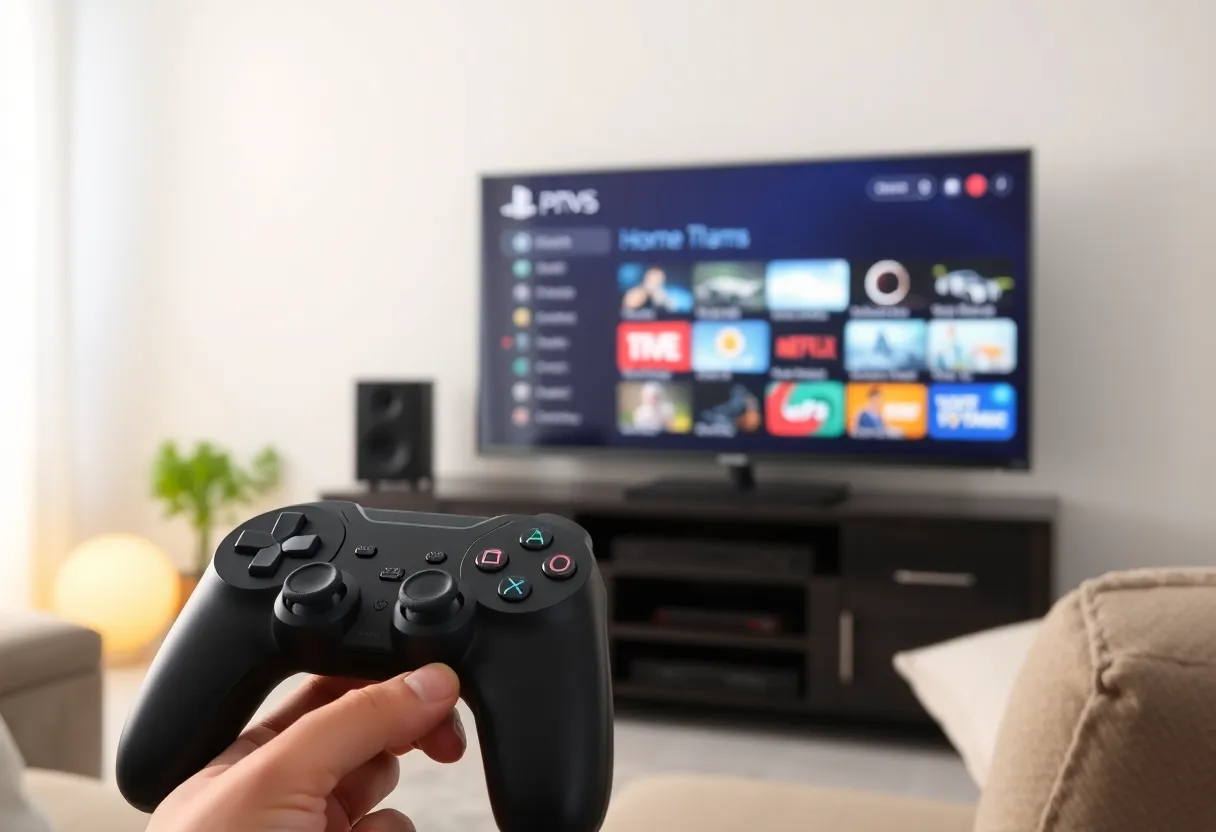
That shows up in small ways. Menu hierarchies that made sense in 2013 and were never rethought. Settings buried three levels deep. Inconsistent back buttons and navigation. One platform might give you a clean grid of games; another stuffs the home screen with ads, trending content, and “recommended” rows that push your own library down. The goal is rarely “make the fastest, clearest path from boot to game.” It’s “show the store, show engagement metrics, and don’t break compatibility with last year’s dashboard.”
So you get UIs that are responsive enough to avoid complaints but not refined enough to feel intentional. Text size, contrast, and information density vary from one corner of the OS to the next. Accessibility options exist but are scattered. Power users who want to manage storage, queue downloads, or tweak display settings often have to dig through multiple screens. The message is clear: the real product is the game, and the OS is the toll you pay to get there.
Who Actually Designs This Stuff?
Console platforms are also closed ecosystems. Unlike PC or mobile, you can’t install a different launcher or replace the home experience. Whatever the manufacturer ships is what you get. That reduces the pressure to compete on UX. On Windows or Android, a bad default experience can be softened by third-party tools. On a console, if the OS is clunky, your only option is to live with it or wait for a system update that may never come.
Meanwhile, the teams building these interfaces are often under-resourced compared to the teams building the hardware or the first-party games. OS work is maintenance work: fixing bugs, adding features for the next model, and making sure the store and subscriptions keep working. There’s little glory in “we made the settings menu 20% easier to navigate.” So the best talent tends to flow toward game development or platform services (matchmaking, cloud saves), not toward making the dashboard a joy to use.
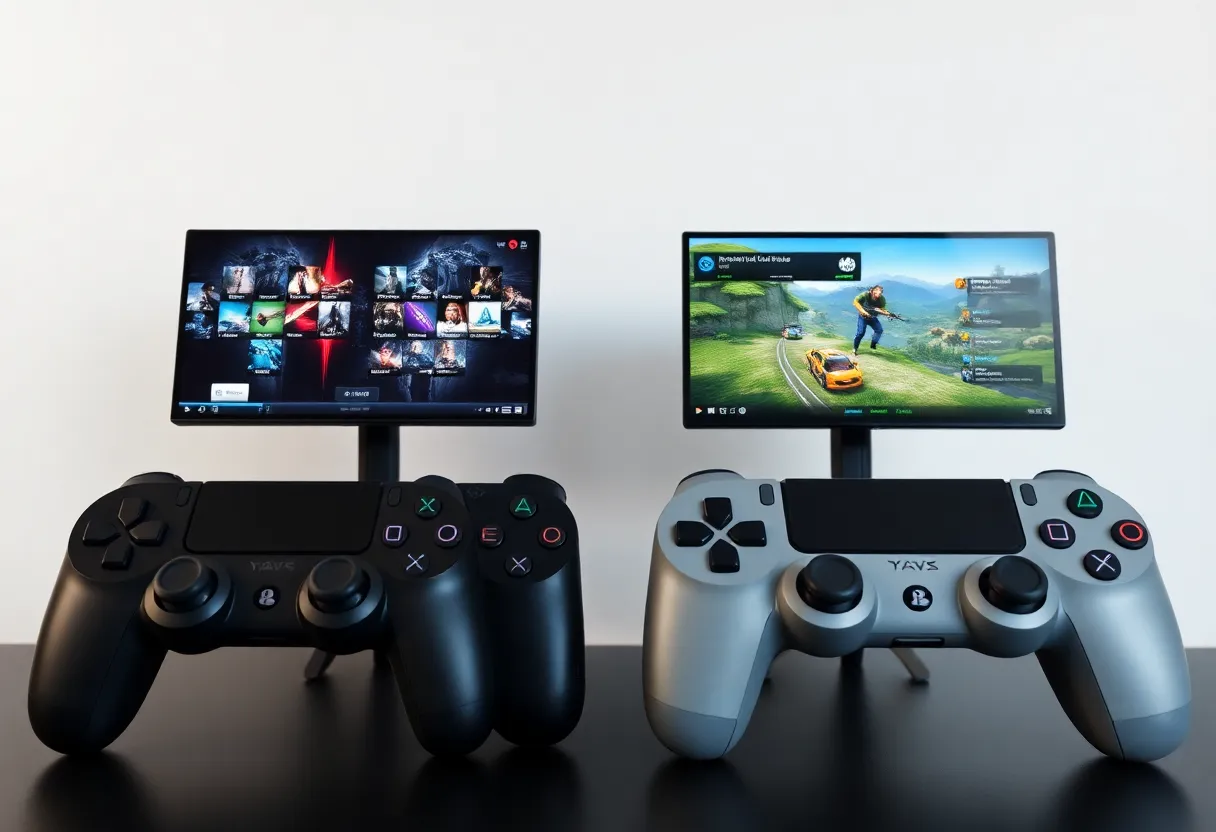
That’s not to say nothing improves. Recent generations have added quick resume, better download management, and clearer indicators for which games need updates. But the improvements are incremental. You rarely see a console OS get a ground-up redesign that prioritizes clarity and speed over monetization and engagement. The design language is “good enough,” and “good enough” has a long half-life.
The Store Versus Your Library
Another tension is built into the business model. Consoles make money when you buy games, subscribe to Game Pass or PlayStation Plus, or spend in the store. So the home screen is never just “your stuff.” It’s your library plus a rotating carousel of what the platform wants you to buy. That’s understandable from a revenue standpoint, but it means the OS is constantly balancing two goals: help you get into a game quickly, and surface the next thing you might pay for.
The result is clutter. Rows of “trending,” “for you,” “deals,” and “new releases” push your installed games down. Sometimes you have to scroll past several screens of promotions before you see the game you actually play every day. On some platforms, the “home” area is so packed with content that it feels like opening a streaming app, not a games machine. The line between “helpful discovery” and “ad space” is thin, and users notice when the scale tips toward the latter.
Worse, the same companies that design these interfaces also run the store. So the same team (or at least the same product priorities) is responsible for both “let me play my game” and “let us show you more things to buy.” When those conflict, the store usually wins. That’s why you see persistent store tabs, banner slots, and “complete your collection” nudges. The OS isn’t neutral; it’s a funnel.
Updates, Patches, and the Waiting Game
System software updates add another layer of friction. Consoles download and install OS updates in the background, but the process is often opaque. You might turn on the machine after a week away and be greeted by a “preparing update” screen that can take several minutes. There’s rarely a clear indication of progress or what’s actually being updated. Game patches are the same: you see “update required” or a download queue, but detailed control—pause, prioritize, schedule—is limited or hidden.
Contrast that with a well-designed desktop or mobile OS, where you can see update size, estimated time, and choose when to install. On consoles, the expectation is that the system will handle it, and you’ll wait when it has to. That’s acceptable for many users, but it reinforces the sense that the OS is something that happens to you, not something you use. Good design would make the update process visible, predictable, and under your control where it matters.
What Would Good Look Like?
Imagine a console OS that put the user first. Boot to your game library—not to a hero ad for the latest release. One place for all settings, with sensible groupings and search. Consistent typography and spacing. Optional simplified mode for kids or shared living rooms. Clear visibility into what’s using storage, what’s downloading, and how long it will take. No dark patterns around subscriptions or upsells. The store would still exist, but it would be a destination you choose, not the default view every time you turn the machine on.
Some of that exists in pieces across different platforms. None of it is standard. And because the business model relies on store take rates and subscription revenue, the home screen will keep favoring discovery and promotions over simplicity. That’s the trade we’ve accepted: powerful, polished hardware running an OS that still feels like it was designed by a committee with a deadline.
Until console makers treat the OS as a product—with dedicated design leadership, user research, and a willingness to break from the past—it will keep feeling like an afterthought. The good news is that the bar is low. A little focus would go a long way: fewer promotions on the main screen, one coherent settings experience, and honest update and download controls. None of that requires reinventing the wheel. It just requires treating the dashboard as more than the thing that loads before the game.