Building a Smart Home Security Setup Without the Subscription Trap

Drew Morrison
February 26, 2026
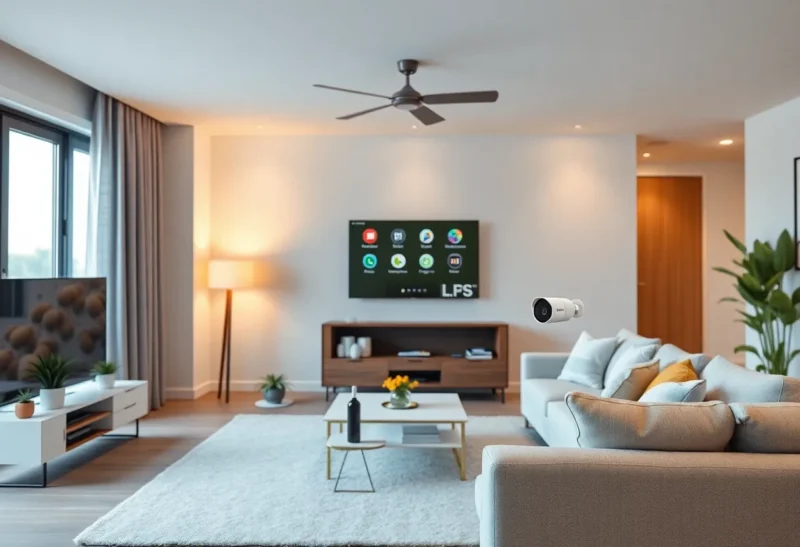
Smart home security is big business, and a lot of it is built on a simple pitch: buy the hardware once, then pay every month for cloud recording, alerts, and “smart” features. Over time, those subscriptions add up—and you’re locked into one ecosystem. It doesn’t have to be that way. You can build a capable security setup that runs locally, keeps your data at home, and doesn’t depend on a recurring fee. Here’s how to think about it and what to choose.
Why Go Subscription-Free?
Subscription-based security has real downsides. Your footage may live on someone else’s servers. Features you rely on can change or get paywalled. If the company pivots or shuts down, your setup can lose value overnight. And the cost compounds: $10 or $15 a month per camera or service is hundreds of dollars per year for a typical home. A one-time investment in local-first gear often pays off within a few years, and you keep control.
Local doesn’t mean no connectivity. You can still get mobile alerts and remote viewing by exposing your system carefully (e.g., through a VPN or a self-hosted portal). The difference is you decide where the data lives and who can access it.

Pick a Local-First Platform
The backbone of a subscription-free setup is software that runs on your own hardware. Options like Frigate, Blue Iris, or Shinobi can turn a small PC or a Raspberry Pi into a full-featured NVR (network video recorder). They work with standard IP cameras that support ONVIF or RTSP—protocols that don’t require a vendor’s cloud. You record to local or NAS storage, run motion detection and alerts on your own machine, and optionally use object detection (e.g., person vs. car) with open-source models.
If you prefer something more plug-and-play, look for cameras that offer a local API or RTSP stream even if they also have a cloud option. Some brands let you disable the cloud and still get a feed into your own NVR. Do the research before buying: “local only” or “no subscription” should be a filter in your search.
Cameras and Sensors
For cameras, prioritize ONVIF/RTSP support and local storage or integration with your NVR. Reolink, Amcrest, and many Hikvision-style models are commonly used in DIY setups. Avoid cameras that only work through a vendor app and cloud—they’re the ones that push subscriptions and lock you in.
Don’t overlook non-camera sensors. Door and window contact sensors, motion sensors, and glass-break detectors can feed into a local hub (e.g., Home Assistant, Hubitat) and trigger alerts or automations without any monthly fee. Zigbee and Z-Wave devices often work with open hubs and don’t require a brand’s subscription. You get instant alerts and logs without sending data to a third party.
Storage and Retention
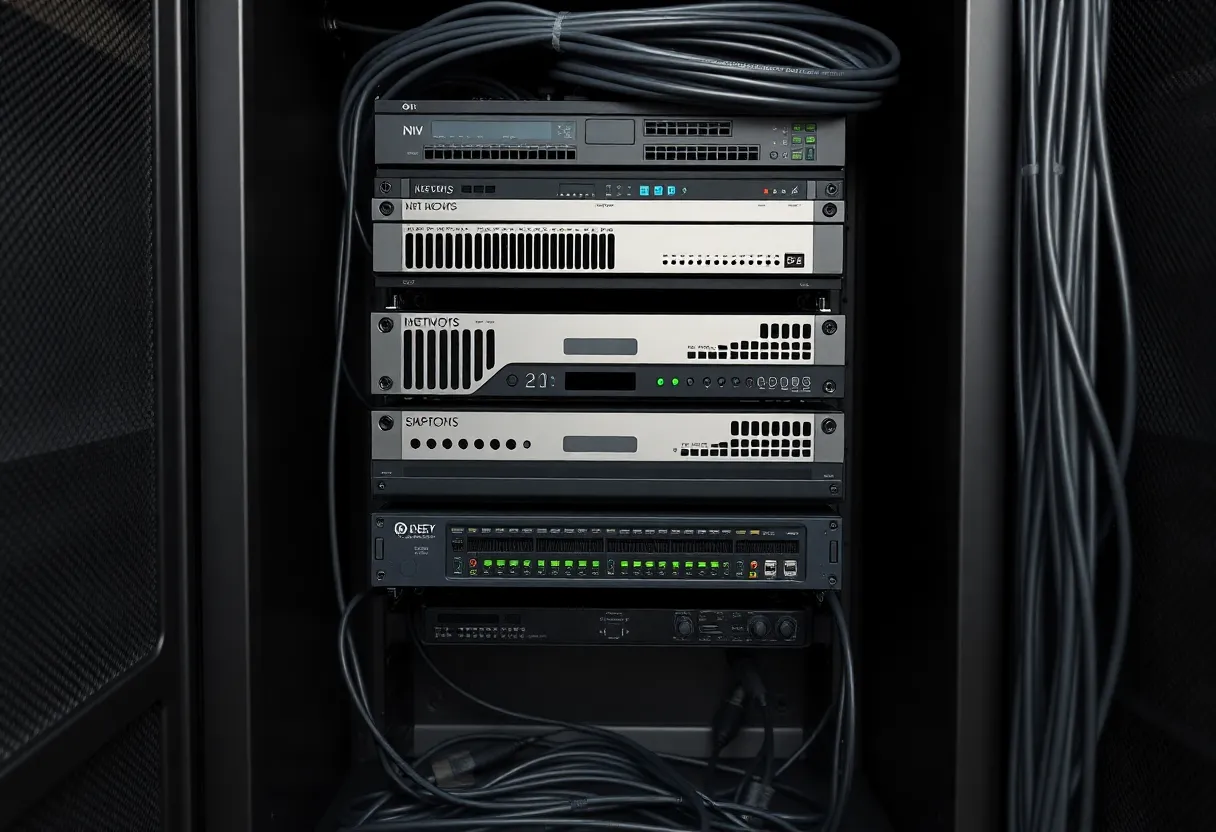
With local recording, you need somewhere to store footage. A NAS with a few terabytes can hold weeks of continuous recording from several cameras, or months of motion-only clips. Set retention rules in your NVR (e.g., overwrite after 14 or 30 days) so you don’t run out of space. If you want off-site backup for critical clips, you can copy them to another drive or a cloud bucket you control—without signing up for the camera vendor’s plan.
Alerts and Remote Access
Local systems can still notify you. Many NVRs and hubs can send push notifications via self-hosted apps (e.g., Home Assistant Companion), or email, or a webhook to a service you choose. You’re not dependent on a single company’s app. For remote viewing, avoid opening your NVR directly to the internet. Use a VPN into your home network, or a reverse proxy with strong authentication, or a tunnel service. That way you get access without exposing your whole network.
The Bottom Line
A smart home security setup without subscriptions is totally doable. Choose local-first software and cameras that support standard protocols, add sensors and a hub if you want broader coverage, and handle storage and alerts yourself. You’ll pay more upfront and put in some setup time, but you’ll own the system, keep your data at home, and avoid the subscription trap for good.