What Local-First Software Actually Means for Your Data

Quinn Reed
February 25, 2026
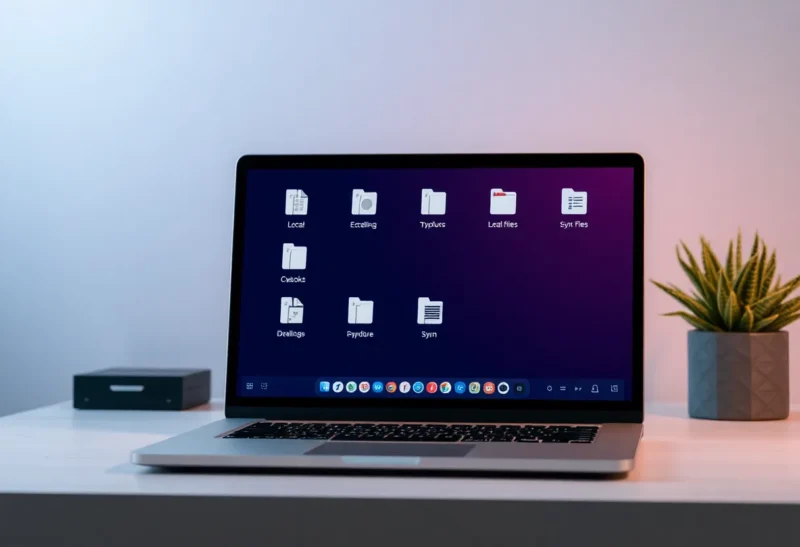
“Local-first” is a buzzword in software: your data lives on your device first, syncs when you’re online, and works offline. It sounds like privacy and control. But what does it actually mean for where your data lives, who can see it, and what happens when the app or the vendor goes away?
Local-First in Practice
Local-first software usually means: the primary copy of your data is on your machine (or in your browser). The app works without a network. When you’re online, it syncs with other devices or a server in the background. Conflict resolution—when you edit the same note on two devices—is handled by the app, often using techniques like CRDTs or operational transforms so that merges don’t overwrite each other randomly. The idea is to combine the responsiveness and offline capability of desktop software with the sync and multi-device experience of the cloud.
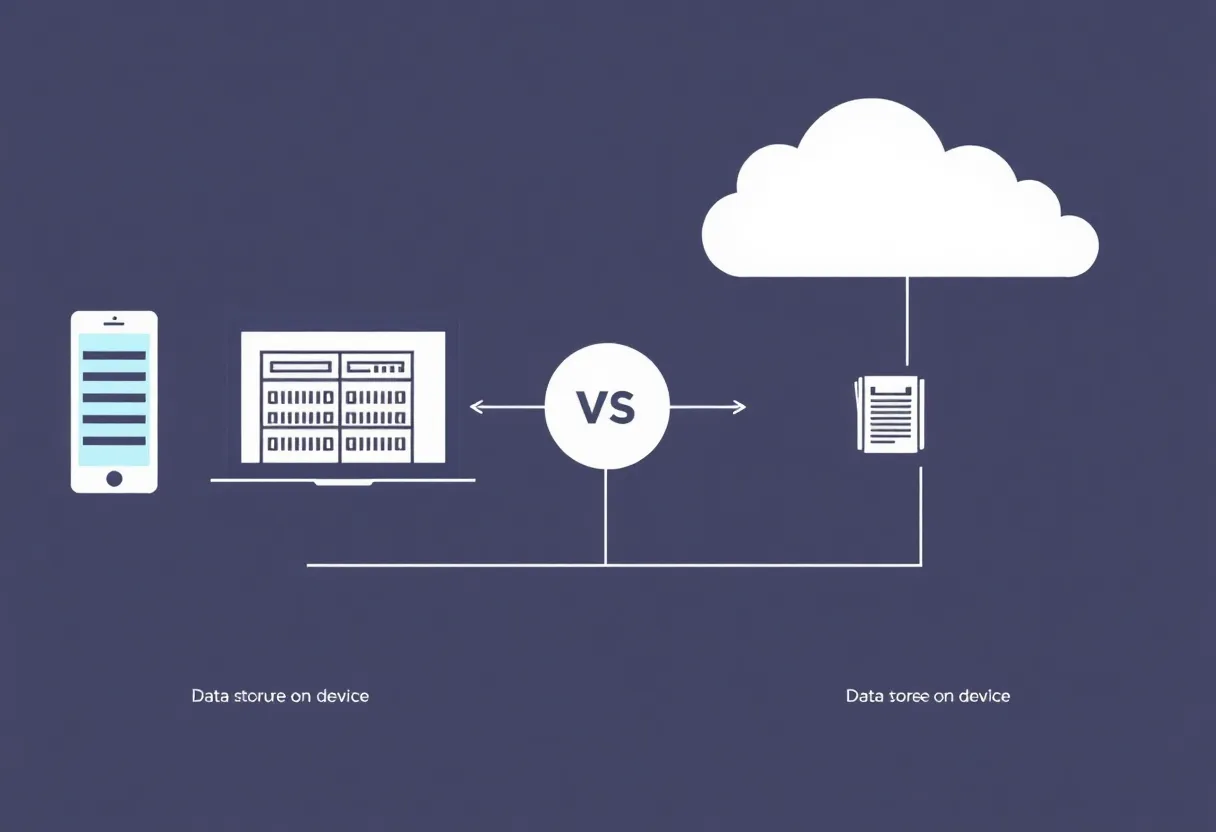
So your data isn’t “only” in the cloud. It’s on your device, and the cloud (or peer-to-peer sync) is a way to keep devices in sync. That’s a real shift from the default of “everything lives on our servers and we send you a view of it.”
What It Means for Your Data
If the app is truly local-first, you have a copy. That copy might be in a SQLite file, in IndexedDB, or in a folder of markdown files. In the best case, the format is documented or standard, so you can get your data out even if the app disappears. You’re not locked into a proprietary cloud that can be shut down or sold. You can back up the folder or the database yourself. You can work offline and sync when you’re back online.
But “local-first” doesn’t automatically mean “we never see your data.” Many local-first apps still sync to the vendor’s server. Your data is on your device and on their server. So you get offline access and a local copy, but you don’t necessarily get privacy from the vendor—unless they’re doing end-to-end encryption so that the server only stores encrypted blobs. When you’re evaluating a local-first app, the key question is: does sync go through their servers, and if so, can they read your data? If the answer is yes, “local-first” means local copy and offline support, not “your data never leaves your control.”

When the App or Company Goes Away
One of the promises of local-first is durability. If the company shuts down or the app is discontinued, you still have your data. That’s true only if the data is in a format you can read and use elsewhere. A local SQLite database that’s documented or uses a standard schema is recoverable. A proprietary binary blob that only the app could read is not. So local-first plus an open or standard format is the combination that actually protects you. Local-first with a closed format gives you a copy you might not be able to use.
Who’s Building It
Local-first is showing up in note-taking apps, task managers, and developer tools. Some use peer-to-peer sync so that data never touches a central server; others use a server but encrypt data so the vendor can’t read it. The trend is toward giving users a local copy and offline capability while still offering sync—the difference is in how much the vendor can see and whether the format is open. As you choose tools, look for local-first plus E2E encryption and export options if you care about long-term control.
The Bottom Line
Local-first software means your data lives on your device first and syncs when possible—giving you offline use and a local copy. Whether that actually means more control and privacy depends on whether sync is encrypted end-to-end and whether the data format is open or exportable. “Local-first” is a real architectural shift, but it’s not a guarantee that your data is only yours. Read the privacy policy, check for E2E encryption, and prefer apps that store data in formats you can take elsewhere. Then you’ll know what local-first really means for your data.