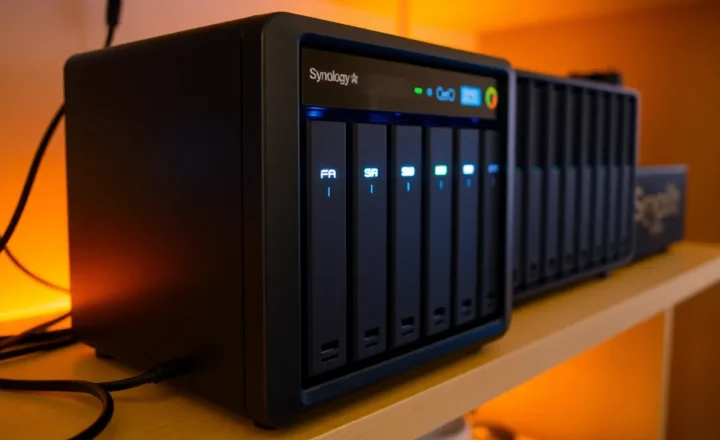
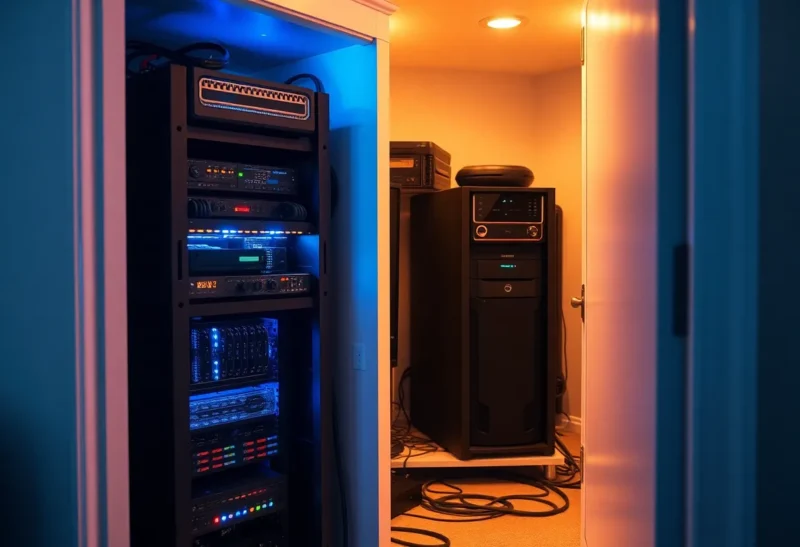
Running your own server at home sounds simple: buy the hardware, plug it in, and you’re in control. No monthly cloud bill, no vendor lock-in. But “plug it in” means 24/7—and that adds up. Electricity, cooling, noise, and the hidden cost of your time all factor in. Here’s what running a personal server really costs, and how to think about it before you build.
Electricity Is the Obvious One
A typical small server or NAS might draw 20–50 watts at idle, and more under load. Add a switch, a router, and maybe a small UPS, and you’re easily at 50–100 watts for a basic homelab. Run that 24/7 for a year: 50 W × 24 × 365 ≈ 438 kWh. At 15 cents per kWh, that’s about $65 per year. At 100 W, you’re around $130. In regions with high electricity rates, the number doubles or more.
Older or more powerful hardware pushes the number up. A rack server or a desktop repurposed as a server can idle at 80–150 W. Add a few drives, and you’re looking at $150–300 per year in power alone. That’s not crazy—but it’s a recurring cost that never goes to zero, and it scales with every box you add.
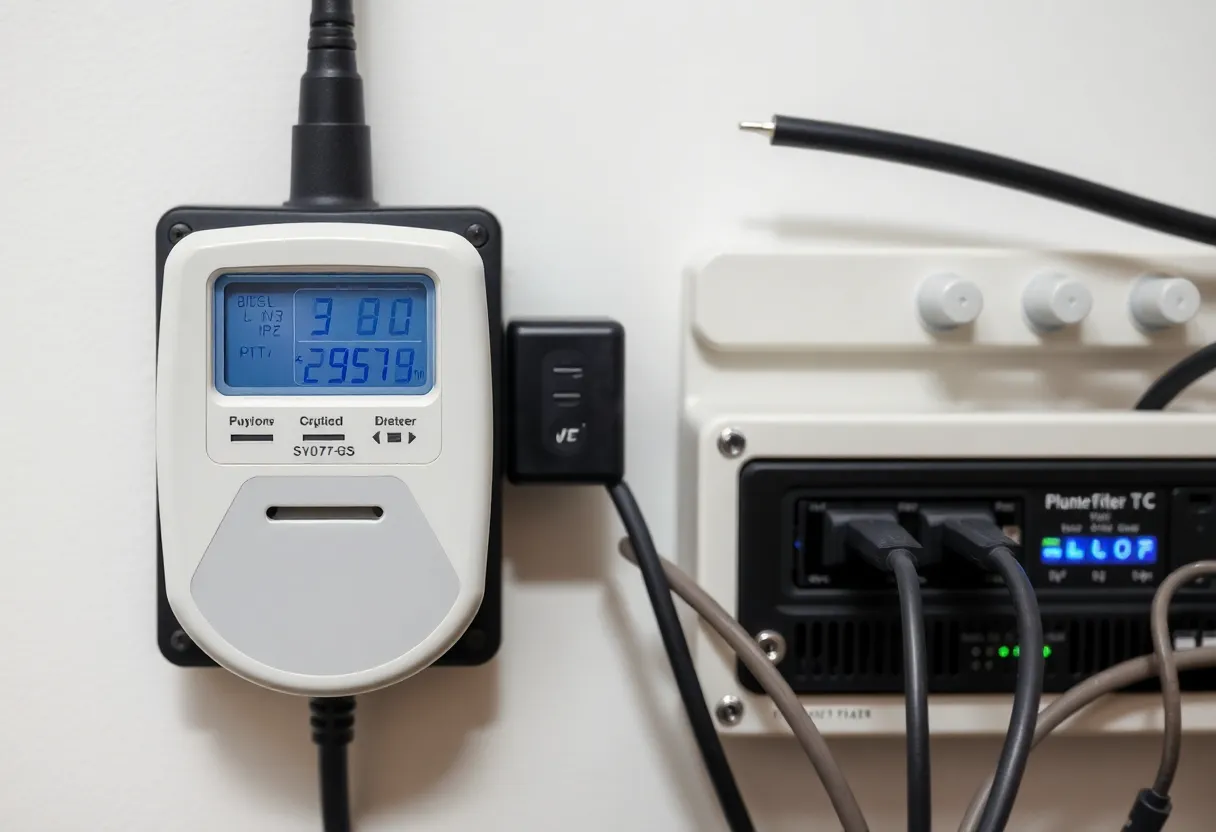
Cooling and Environment
Servers generate heat. In a small room or closet, that heat has to go somewhere. In summer, your AC has to work harder to remove it. The cost shows up in your cooling bill—hard to isolate, but real. Some people put the homelab in a garage or basement where the heat is less of an issue; others accept a warmer room or invest in ventilation. Either way, the environment isn’t free.
Noise is another factor. Server fans and spinning drives aren’t silent. If the box is in a living space, you’re trading quiet for capability. That’s a quality-of-life cost that doesn’t show up on a bill but matters for a lot of people.
Hardware Depreciation and Failure
Hardware doesn’t last forever. Drives fail; power supplies die; boards eventually give out. When you run 24/7, you’re accelerating that wear. You should budget for replacement drives every few years and for the occasional surprise failure. A backup strategy (and maybe a cold spare) isn’t optional—it’s part of the real cost of ownership.
Depreciation matters too. A $500 NAS or server might be worth half that in three years. If you’re comparing to cloud, you have to spread that upfront cost over the life of the hardware and add power and your time. The “no monthly bill” narrative can be misleading once you add it all up.
Your Time
Self-hosting takes time. Updates, security patches, debugging, and capacity planning are on you. When something breaks at 2 a.m., you’re the one fixing it. For some people, that’s a hobby they enjoy. For others, it’s a tax. If you value your time at even a modest rate, a few hours per month of maintenance can quickly exceed the dollar cost of a small VPS or managed service.
That doesn’t mean self-hosting is wrong—it means the cost isn’t only in watts and hardware. It’s in the commitment to be the operator. For learning, control, or privacy, that can be worth it. For “saving money,” it often isn’t unless you’re running a lot of services or have a clear use case.
When It Still Makes Sense
Personal servers make sense when you need local storage, low latency, or full control over data. When you’re running a dozen services, the marginal cost of one more is low. When you enjoy the tinkering, the time cost is a feature. And when cloud pricing would exceed your power + hardware + time budget, the math can favor self-hosting. The key is to do the math honestly—including power, replacement, and your own hours—before you assume you’re “saving” by running a server at home.
The Bottom Line
The real cost of a 24/7 personal server is electricity, cooling, hardware depreciation, failure risk, and your time. Add it up. If the total is still worth it for control, learning, or capability, go for it. If not, a small VPS or managed service might be the cheaper and calmer option.